
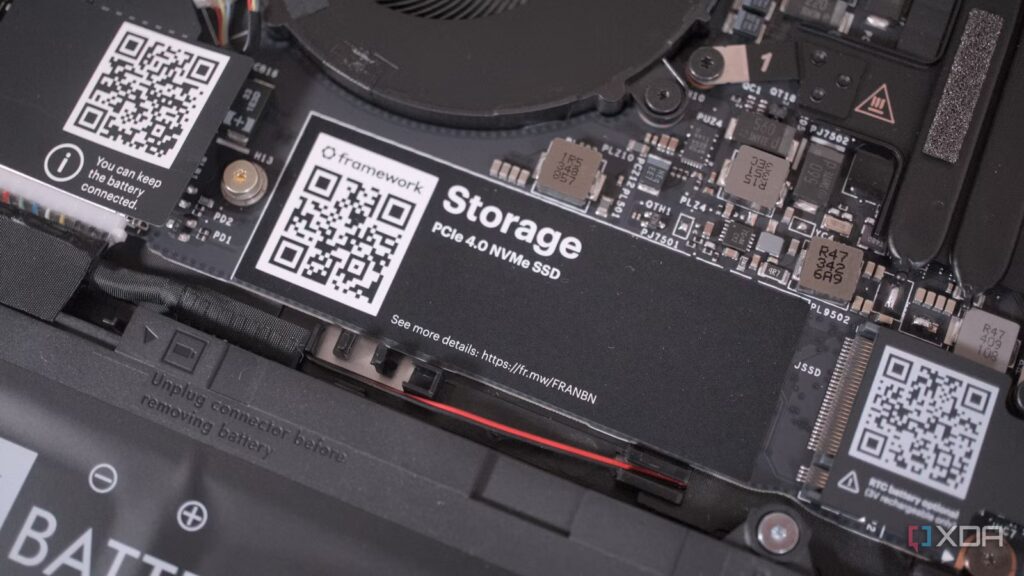
If you were to conduct a random survey of desktop and laptop owners asking them, “When was the last time you updated the firmware on your SSD?” “, there is no doubt that the overwhelming majority would answer “never”, and a select few would not even know that this option existed.
Modern NVMe drives are low maintenance by design, and an SSD firmware update is not something most users consider unless something is broken or an IT professional recommends it. The question I asked myself was whether it was worth it for the average user. So I adopted the approach I know best, namely benchmarking. Here’s why I’m now an advocate for the process.
Firmware updates are easier and more secure than ever
A stable power supply was the only precaution I needed
Any conversation around the idea of flashing SSD firmware inevitably brings up anxiety about bricked drives and data loss, but it’s not as scary to update modern flash storage, especially when you rely on dedicated software provided by the manufacturer. Since my system has a Crucial NVMe PCIe Gen 4 drive, the process only involved downloading the Crucial Storage Executive utility and following a few on-screen prompts. If you’re using hardware from other brands, add-on apps like Samsung Magician provide an equally streamlined and hassle-free experience.
Once installed, the utility immediately scanned all available disks and checked their current firmware against the latest available versions. I haven’t touched an update utility since I assembled the rig in 2024, which is a common oversight, given that these updates are neither presented as necessary nor required for good performance.
The software identified a pending update that was released in November 2025, which is expected since NVMe drives do not receive frequent updates. Crucial’s patch notes stated “General Firmware Stability Improvements,” which made me optimistic about post-update performance. After initiating the installation, the patching process took less than ten seconds before the utility confirmed that the new firmware was successfully applied. It really is that simple.
Can an SSD firmware update speed up your system?
Yes and often, it’s a little more than that
Firmware updates on storage devices receive far less attention than any other maintenance task on a desktop or laptop computer, but they have an important role to play in how smooth and “lively” your PC experience is over time. The updates optimize background processes like garbage collection and SLC caching, which are critical factors in improving read/write speeds, reducing overall system latency, and eliminating “micro-stutters.” Additionally, the firmware also governs the wear level of the NAND flash memory, which is responsible for the precise distribution of data between the NAND cells. Manufacturers frequently refine this algorithm, and updating your firmware actively extends the life of your storage device while smoothing out power state transitions.
What caught my eye during my own updating process, however, was something I didn’t see coming. After restarting, I noticed a drop in my CPU idle temperature. My AIO cooler has a built-in LED display, so the thermals are always within sight. At this time of year, my CPU temperature hovers around 50-55°C, but after applying the update I saw it stabilize at 49°C, without any change in ambient temperature.

It wasn’t until I dug a little deeper that the correlation made sense. NVMe drives have a significant influence on the processor’s I/O operations, and by improving the way the drive handles power states and data requests, the firmware update reduced the background communication and active polling that the processor had to do. This, in turn, allowed it to fall into deeper low-power states more efficiently, reducing its unused workload and the heat it was generating.
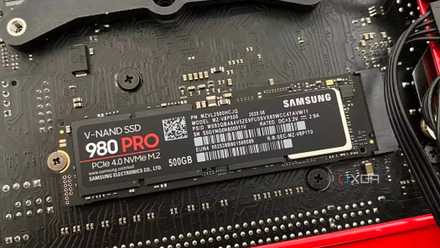
Here’s Why Your Old SSD Seems Slower Than Before
Your SSD’s performance may decrease over time, but there is something you can do
It boosted my system, but how much?
Significantly, and I bought the data
There’s no better way to argue about hardware than establishing a baseline and measuring changes, and my benchmark numbers highlight exactly the extent of the impact a firmware update can have on the entire system. First, the Windows boot process saw a significant reduction in the time it took to go from POST to accessing the desktop. Going from 20.1 to 15.8 seconds, the improvement yielded much better results than disabling all startup applications or using third-party system optimization utilities.
Gaming performance was equally impressive across the board. For Hogwarts Legacy, the time spent compiling shaders reduced the overall load time, dropping it from 30.5 seconds to 26.8 seconds. Forza Horizon 5 showed a similar decrease when optimizing and starting the game, going from 55.7 seconds to exactly 41.2 seconds.
The most massive reduction was seen at launch Microsoft Flight Simulator 2024. This title is notoriously punishing on both older and newer storage devices, taking a long time to load even on blazing-fast NVMe Gen 5 drives. A slow wait of 100 seconds has been reduced to just over 63 seconds. Perhaps the only other factor that wasn’t taken into account was active asset streaming, although it’s highly likely that a firmware update would make that smoother as well.
|
Utility/Application |
Start time (before update) |
Start time (after update) |
Percentage change |
|---|---|---|---|
|
Windows 11 Pro |
20.1 seconds |
15.80 seconds |
-21.39% |
|
Hogwarts Legacy |
30.5 seconds |
26.8 seconds |
-12.13% |
|
Microsoft Flight Simulator 2024 |
1 minute 40 seconds |
1 minute 3 seconds |
-37.0% |
|
Forza Horizon 5 |
55.7 seconds |
41.2 seconds |
-26.39% |
Updating the firmware gave much better results than disabling all startup applications or using third-party system optimization utilities.
Don’t sleep on this free “upgrade”
Updating your SSD firmware is undoubtedly a free upgrade that offers performance improvement as well as storage reliability across the board. If benchmark data has anything to prove, it’s that you don’t always need to rely on third-party optimization apps to save yourself from long load times or optimize your system’s performance. As long as you use the manufacturer’s official utilities, the process is simple, takes just a few minutes, and is virtually risk-free.
