
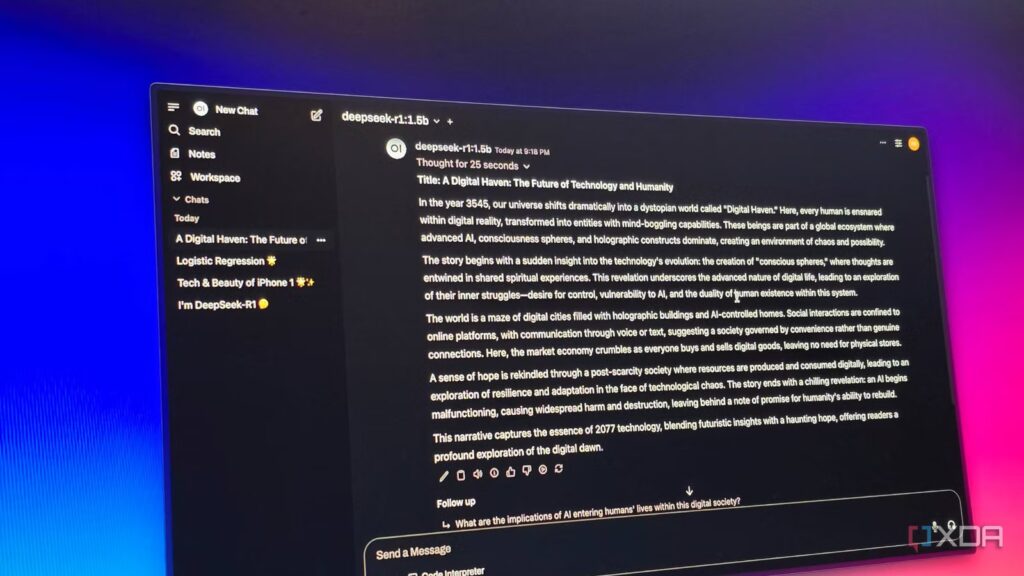
Self-hosting your own LLM is usually born out of the desire for two things: absolute privacy and total control. You configure the hardware, extract the models, and finally see that familiar chat box on your screen. It feels like a victory, but for most people, that’s where the journey ends. We’re so conditioned by the “type and wait” loop of ChatGPT that we treat our local configurations like a mirror image of a cloud service.
If you only use your local model for Q&A, you’re sitting on a supercar and never leaving first gear. To truly boost your productivity, you need to stop thinking of AI as a person you’re talking to and start treating it like a silent engine running underneath your entire digital workflow. It’s time to move beyond the interface.
Stop treating your powerful local model like a toy
For most people, AI has become a reality thanks to ChatGPT. It turned something complex into a simple experience. You simply type a prompt and get a response. This interaction model has shaped the way people perceive AI.
So when developers set up self-hosted LLMs, they often try to recreate the same thing: a chat box, a prompt field, and conversational responses. It looks familiar, easy to build, and instantly usable.
But that’s where the trap begins. What is built is essentially a “ChatGPT clone”, a local version of the same experience. It’s often slower and more limited. The template is powerful, but the interface reduces it to basic questions/answers.
Chat is a great entry point, but it’s also restricted. When self-hosted LLMs are treated solely as chat tools, most of their real capabilities are never used.
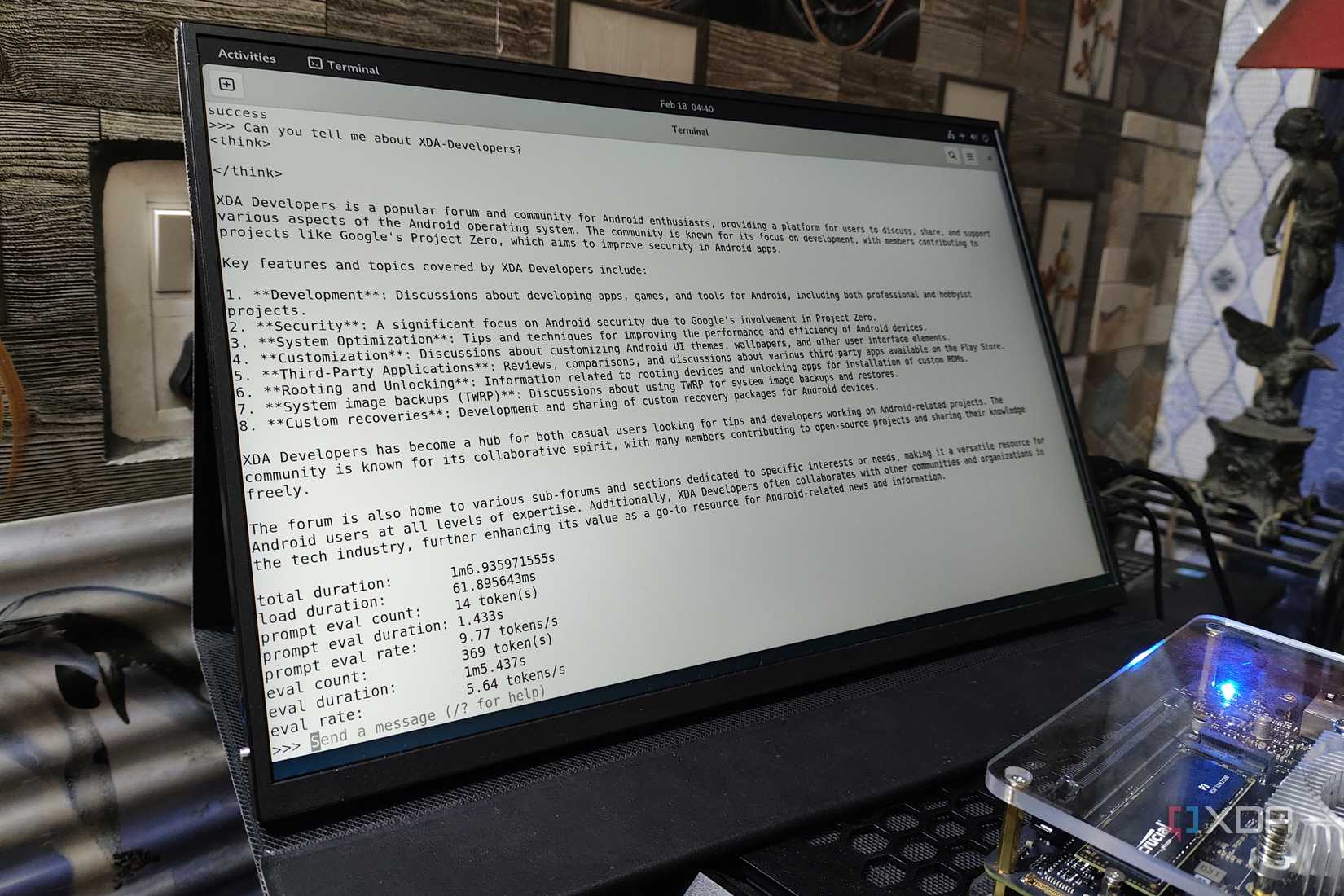
The real strength of a self-hosted LLM is not in a sleek user interface; it’s in the infrastructure. When you move the model onto your own hardware, you change from a “user” to an “owner”.
The most immediate win is uncompromised data privacy. Since your data never leaves your local network via API calls, you can feed sensitive documents, private notes, and internal codebases to the model without a second thought. But privacy is only the basics. The real power lies in integration.
A local LLM functions as an “always-on” layer of intelligence that can communicate directly with your file system, trigger local scripts, and bridge the gap between your applications. You are not limited by restrictive “security” filters or rate limits from a provider. Instead, you get absolute control over model behavior and system-wide workflows. By treating your LLM as a backend engine rather than a website, you transform a simple chatbot into a deeply integrated personal operating system for your digital life.
Practical ways to use my self-hosted LLM to
How I turned my local AI into a silent engine
The real magic happens when you stop “chatting” and start using the LLM as a hidden engine. By running a local server like Ollama, I connected the AI directly to my knowledge management system. Instead of spending hours organizing notes, the template works in the background to find connections between my ideas and clean up my daily journals. It’s like having a personal assistant who already knows exactly what I’m thinking, helping me stay organized without my private data ever touching the cloud.
I also linked my local model to Home Assistant to act as the “brains” of my home. Instead of establishing rigid rules for each light bulb, I can use natural language to trigger complex scenes. I can tell my house to “prepare the office for a deep work session”, and the LLM handles the logic of dimming the lights and turning off notifications. Because everything runs locally, my home stays smart and responsive even if the internet goes out, keeping my lifestyle private.
To go further, I use standalone tools like AgenticSeek. While a standard chat waits for your input, AgenticSeek uses your local LLM to actually get things done. By treating the LLM as an API for these agents, I can offload entire workflows. It’s no longer just a website I visit; it’s a powerful, quiet partner that makes my entire productivity system faster and much more efficient.

Self-hosted LLMs are not intended to replace existing tools; it’s about changing the way you use them. The change is subtle but powerful. Instead of asking better questions, you start designing better systems. Instead of one-off interactions, you create flows that continue to run in the background.
This is where things get complicated. You don’t need complex configurations or perfect architecture to get started. Just start by connecting a small part of your workflow. Once you see it working, everything else starts to click. Because at the end of the day, the real benefit isn’t which model you use. It’s how well you integrate it into your daily work.
