
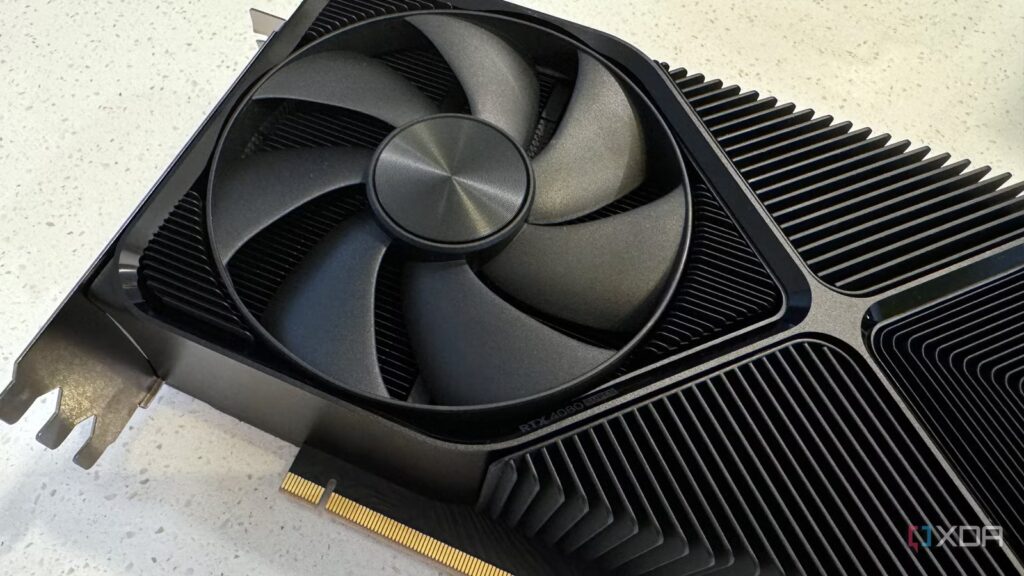
You flip the switch in BIOS, boot into Windows, open your GPU panel, and there it is: enabled. Resizable BAR, the feature that’s supposed to let your CPU access your GPU’s full memory buffer, is ready to go. Except sometimes, it just isn’t really enabled.
Resizable BAR often shows up in BIOS menus, benchmark videos, and optimization guides as a near-effortless win. Everyone says it’s something you enable once and forget. And to be fair, it can deliver exactly that. But only under the right conditions, and rarely in the way people assume. It may look like a global performance toggle, but it’s far more selective than that, and far more conditional, too.
7 tips to improve gaming performance without taking your wallet out
Don’t want to spend? No problem. You can boost your FPS for free with these tips
ReBar changes how your CPU sees VRAM
But that’s only half the story

At a technical level, Resizable Bar (or ReBAR) is simple to explain (and deceptively easy to oversell). Traditionally, the CPU could only access GPU memory in 256MB chunks over PCIe. Enabling ReBAR takes away that limitation, allowing the CPU to address the entire VRAM buffer at once. In modern games that stream large textures and assets in real time, this presents a clear advantage, and that too, undeniably so.
In the right scenarios, ReBAR (or AMD’s Smart Access Memory) gives you measurable gains. Titles with heavy asset streaming and large open worlds need frequent data transfers between the CPU and the GPU, so they directly benefit from the reduced overhead and the improved efficiency that ReBAR brings with it. However, not every engine, renderer, or workload needs that kind of access pattern. In fact, some are optimized around the old limitations. So, when you force Resizable BAR on a game that isn’t built to utilize it, you resultantly get less performance and more inefficiency.
So if the CPU is trying to manage the entire VRAM buffer, but the game engine is only optimized to “talk” to 256MB at a time, the extra CPU cycles spent managing that larger view are wasted. Meanwhile, newer APIs like DirectX 12 and Vulkan let developers have manual control over memory heaps, which is why ReBAR shines there. After all, the game engine is already doing the heavy lifting that the driver used to do in DX11.
In some cases, ReBAR can increase average framerates, and that’s what the benchmarks laud, but it could, at the same time, introduce frametime instability, which would then result in a worse overall experience. In some titles, ReBAR might not do anything at all. Performance isn’t about enabling features alone. It all depends on whether the software in front of you is designed to use them properly in the first place.

7 things you might still be doing wrong on your gaming PC
You might be unknowingly hurting your PC’s performance
Nvidia blocks ReBAR from being globally enabled
Driver updates ensure ReBAR remains disabled for all titles except a few

Nvidia approaches Resizable BAR very differently from how most people think it works. If you have an Nvidia GPU and an Intel CPU (compatible with ReBAR, of course), then you may want to pay attention. For a lot of Nvidia–Intel users, enabling Resizable BAR in their motherboard’s BIOS isn’t the final step. That’s because the driver selectively applies ReBAR to a curated list of supported titles, and that’s what Nvidia calls the whitelist.
By default, even if you have ReBAR enabled in the BIOS, that doesn’t mean that the feature will be globally active for all titles on your computer. In fact, if you use a utility like GPU-Z, it might even continue saying that ReBAR is enabled, while System Information inside the Nvidia Control Panel will tell you that it isn’t. That’s because GPU-Z reads the motherboard’s BIOS, while each new Nvidia driver ensures that ReBAR remains disabled globally, and only a few titles that are known to perform better with it can utilize it.
This means that the next time someone tells you to install Nvidia Profile Inspector in order to enable Resizable BAR globally throughout your PC, they might be inadvertently directing you on a path where you lose frametime pacing and even face stutters and crashes in a lot of your games barring a few. In fact, the driver effectively shielding you from Resizable BAR’s adverse effects is why most users never encounter the downsides. It also means that what feels like a global toggle is actually just a permission layer that allows the driver to have the final say on where it applies.
While Nvidia’s whitelist is the most notorious gatekeeper, this isn’t actually just a Team Green quirk. Even with AMD’s SAM or Intel ARC, ReBAR remains a fundamental shift in memory addressing. This feature is a hardware-level handshake, so if the software doesn’t know how to grasp that extended hand, the result merely stutters instead of speeding up.

All the settings in AMD, Intel, and Nvidia’s drivers you need to enable
Optimized defaults get your PC booting but there are tweaks to do for every GPU maker
Do not force Resizable BAR globally on your PC
That’s where things might start to fall apart

There’s always a temptation to push further, which is why a lot of folks might be inclined to use the Nvidia Profile Inspector so they can override the whitelist and force ReBAR on in unsupported games. After all, it’s “unlocking hidden performance” that YouTube told you to sixteen, but in practice, it’s nothing short of a gamble.
Some titles may see small gains, but others will exhibit lower performance, erratic frametimes, or subtle stutter that won’t show up in your average FPS numbers. And because these effects vary from game to game, and sometimes even scene to scene, there simply isn’t a universal rulebook to follow. You have to test, verify, and accept that the outcome may not be worth the effort.
You should still absolutely enable ReBAR through your motherboard’s BIOS settingsbut I wouldn’t advise using any utility or software or globally force it on for all games and titles on your PC.

Nvidia’s groundbreaking VRAM solution only works best on its fastest GPUs
Nvidia’s new VRAM trick only works on cards expensive enough to not need it
ReBAR works, but it’s not a one-size-fits-all solution
There’s simply no denying that Resizable BAR absolutely works. But it’s worth noting how modern GPUs deliver performance shaped by drivers, profiles, and constant intervention behind the scenes. The performance boost you get for some games may have the opposite effect in others, so it isn’t a one-size-fits-all solution that you might have been led to believe.
