
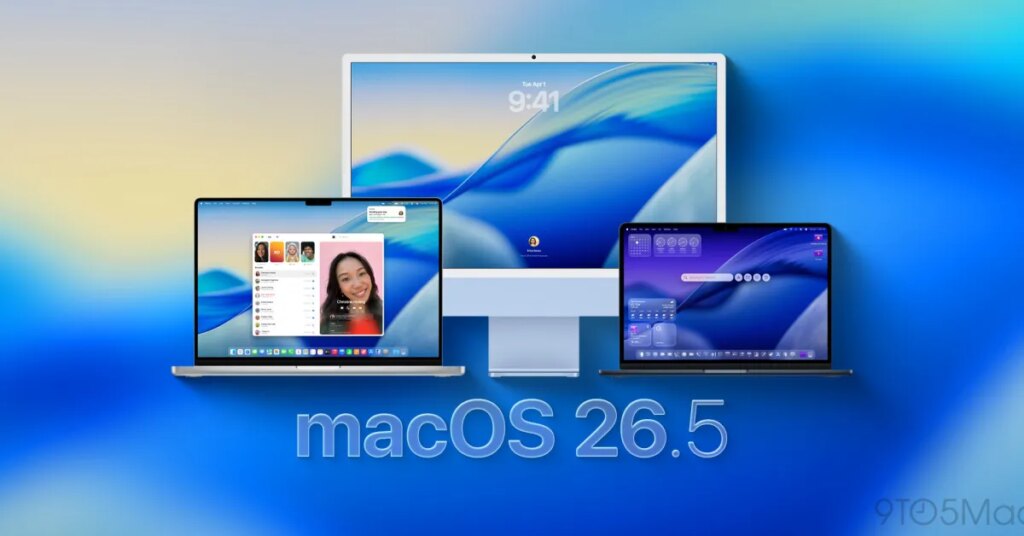
Apple has released Enterprise Release Notes for macOS 26.5, detailing several fixes for issues affecting managed Macs. Here are the details.
macOS 26.5 fixes black screen issues on enterprise Macs
When Apple rolled out macOS 26.5 earlier this week, the company also released its release notes and the full list of security fixes included in the update.
Now, Apple has also updated its “What’s new for business in macOS Tahoe 26” page, with enterprise bug fixes included in macOS 26.5.
This includes issues affecting Device Management Service signups and unexpected reboots affecting MacBook Air with M5 and MacBook Pro with Apple silicon M5 Pro or M5 Max.
You can view the full list below:
macOS Tahoe 26.5
- Fixed an issue where some Mac computers could boot with a black screen after a software update.
- Root and intermediate certificates are correctly updated when renewing registration for a device management service.
- Fixed an issue where Mac computers restarted unexpectedly when mounting SMB shares.
- Fixed an issue where MacBook Air with M5 and MacBook Pro with M5 Pro or M5 Max restarted unexpectedly when using certain content filter extensions.
- Fixed an issue where successful smart card logins triggered incorrect password attempts.
- When autofill is disabled for Safari using Device Management, autofill for passwords and passkeys can still be enabled for other apps in the system settings.
- X11 applications using XQuartz now display correctly after the application window is resized.
- When the Mac is not linked to Active Directory, the SMB client now performs DNS SRV lookups for
_ldap._tcp.And_gc._tcp.configured innsmb.confto discover domain controllers. If domain controllers are found, the client attempts to connect to each of them in order. If all connections from the domain controller fail, the client reverts to the original server name.
For more details on how organizations can deploy software updates to managed Macs, follow this link.
To discover on Amazon

FTC: We use automatic, revenue-generating affiliate links. More.
