“Poppy” is a proactive AI assistant that handles what Siri still can’t handle
Welcome to Indie App Spotlight. This is a weekly 9to5Mac series where we feature the latest apps from the indie app world. If you are a developer and would like your app to be featured, contact us.
In a world full of assistants and AI tools trying to make your life easier, Poppy takes a different approach. Rather than demanding your effort up front, Poppy does its best to be proactive, providing you with useful context before you even know you need it.
Highlights
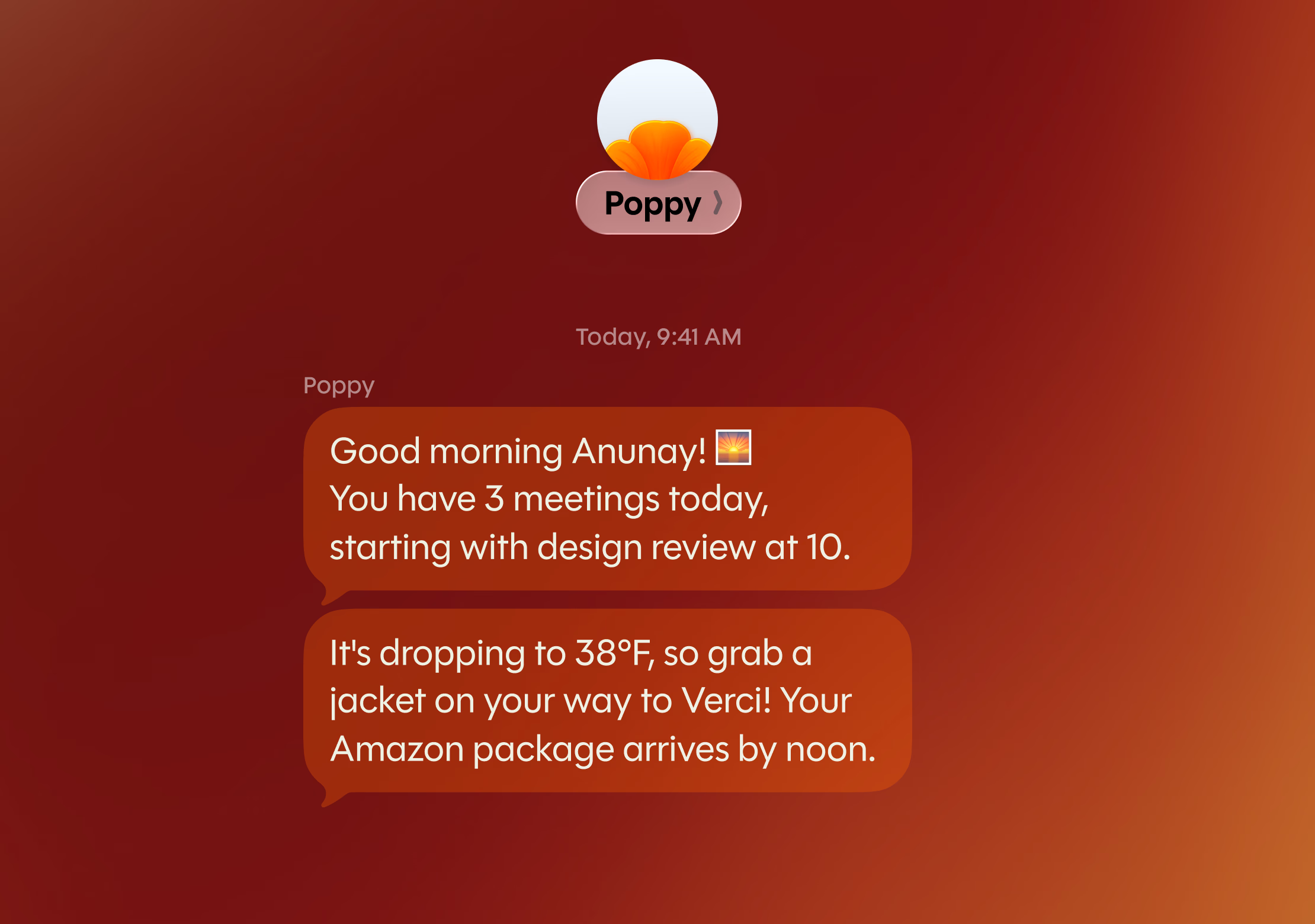
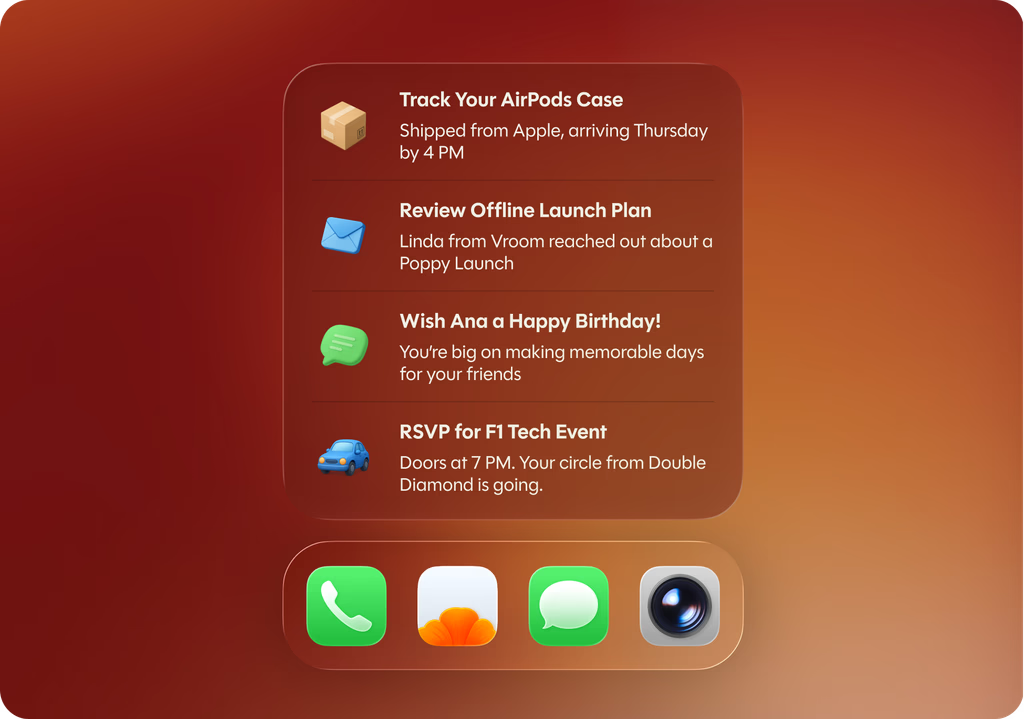
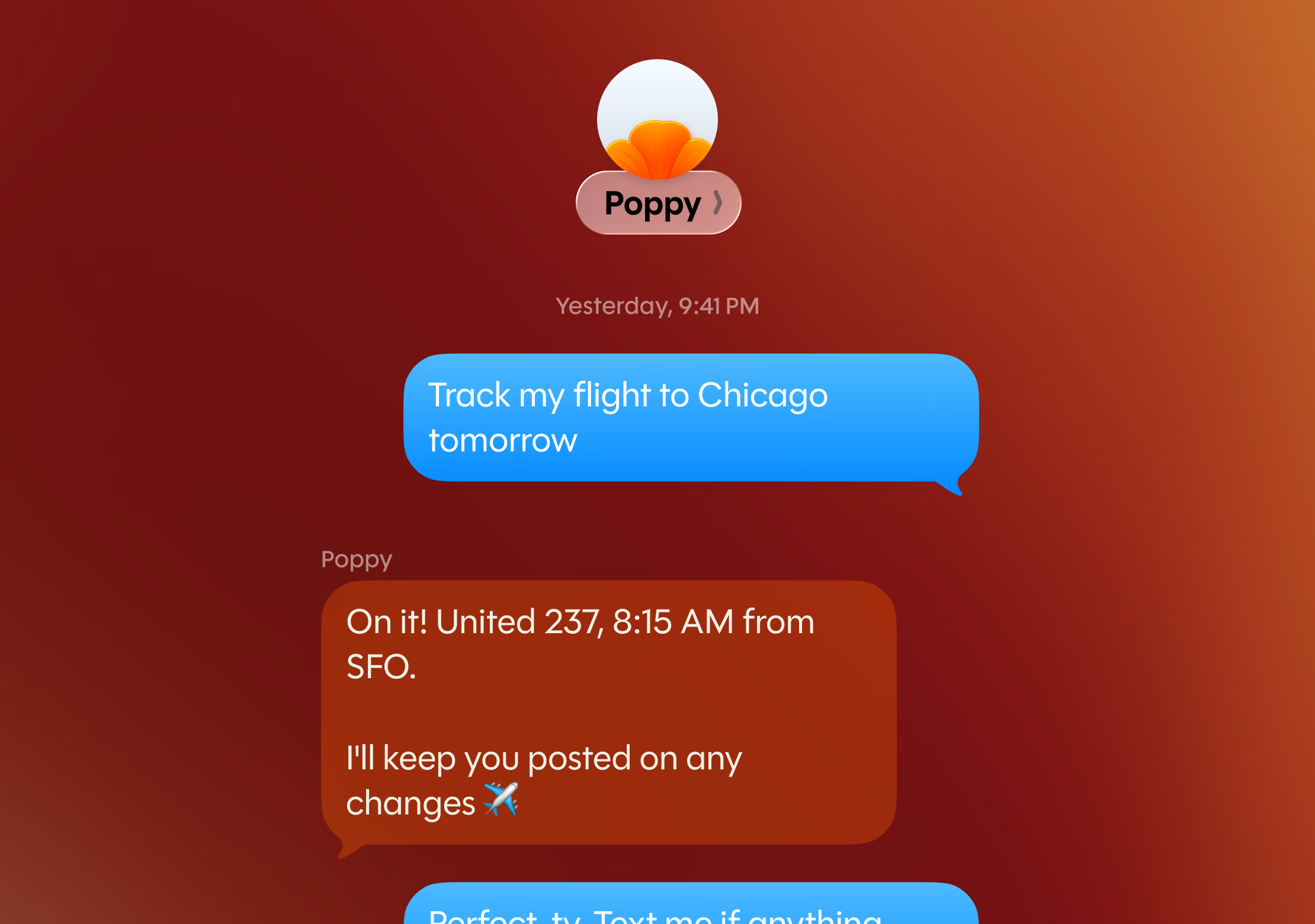
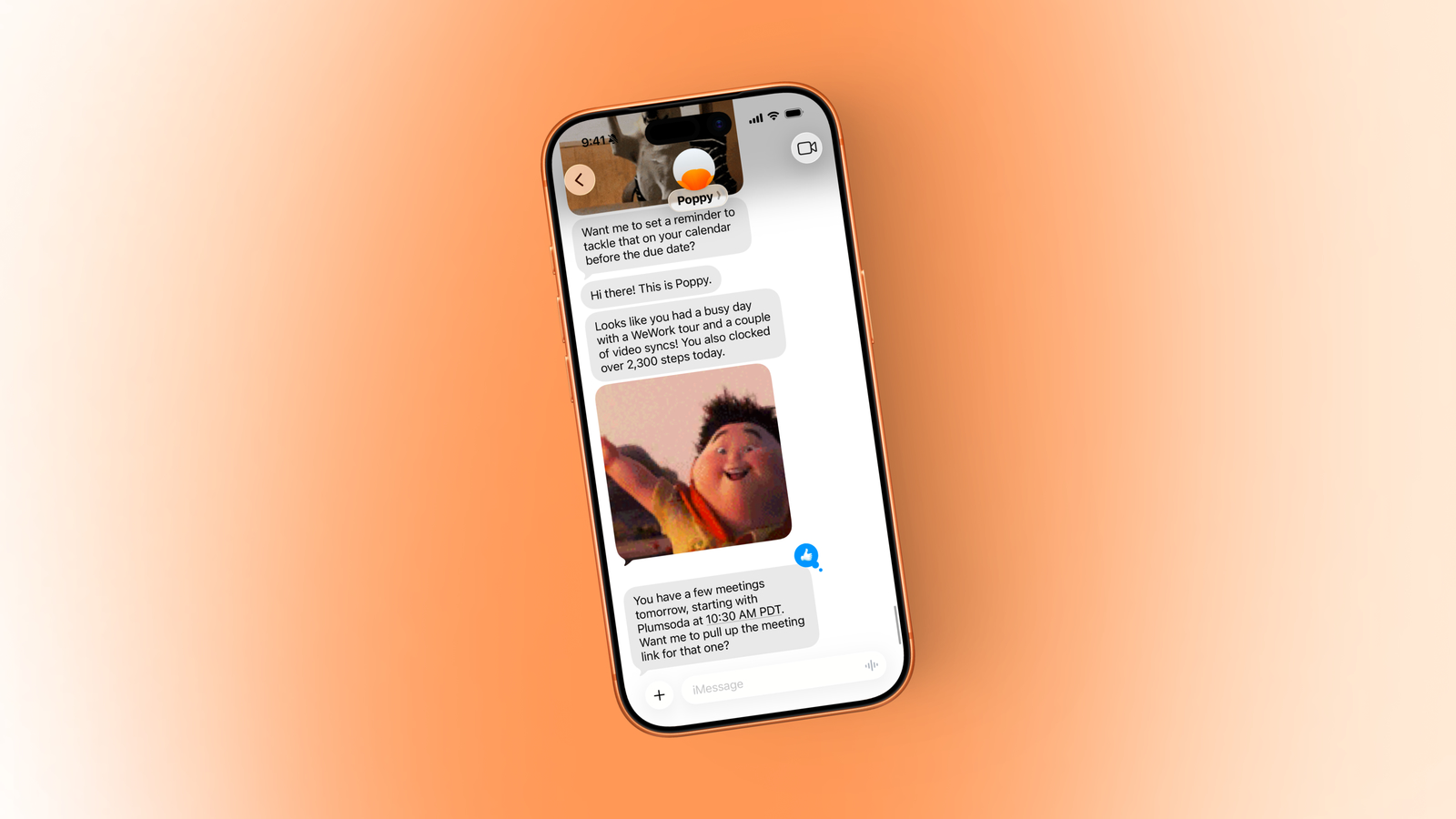
Poppy is not a traditional chatbot interface. Instead, you link all the things you want it to understand about you, such as your email, calendar, location, reminders, and health data. Then, in the background, it gets to know you, gathers key details, and tries to suggest things to you in a contextual way. This can be done via text, a notification, the application’s interface, or a widget.
Personally, one of the things I found most helpful was alerting me to a flight I had in two weeks. I often don’t think much about my trip right before I leave, but Poppy suggested an itinerary, giving me ideas for what to do if I have some free time. It was nice.
Another great feature is its location awareness. One time, I was out late at night, and it suggested a nearby restaurant I should go to. I don’t often find myself opening Apple Maps to find things unless I have no idea what’s in an area, but I will say that I didn’t know this restaurant was there, and I certainly wouldn’t have gone to look at a map, so Poppy’s suggestion was appreciated.
You can also set up smart reminders so that Poppy contacts you only when certain conditions are met. For example, if the weather suddenly gets colder, you should grab a jacket.
Why Poppy?
Poppy helps you sift through all the chaos on your phone. In today’s landscape, simply checking your emails for a quick detail can often cause you to become distracted by multiple things, losing sight of the original goal. This is what Poppy aims to solve. Instead of having to go looking for things, Poppy should find them for you. From Poppy founder Sai Kambampati:
The original iPhone was sold as a tool that worked like you. At some point this reversed and we now spend our days scanning notifications, scrolling through apps, managing the device that was supposed to manage us.
Poppy is our attempt to restore calmer computing to consumers. We built it natively for iPhone, using AI not as a feature to show off, but as something that runs silently in the background. It can understand how people actually live, work and move through their day. The iPhone remains the most personal device we own. Poppy is our attempt to help him act like one again.
Download the app
Poppy is available for free on the App Store for iPhone users running iOS 26 and later. For the most part, everything great about Poppy is available in the free tier, although you can subscribe to higher-tier plans for better suggestions, more texts, and the ability to link multiple email accounts.
Overall, Poppy’s goal is to allow people to spend less time on their phones organizing their lives, and instead allow organization to happen intelligently in the background – and it does a very good job of that.