
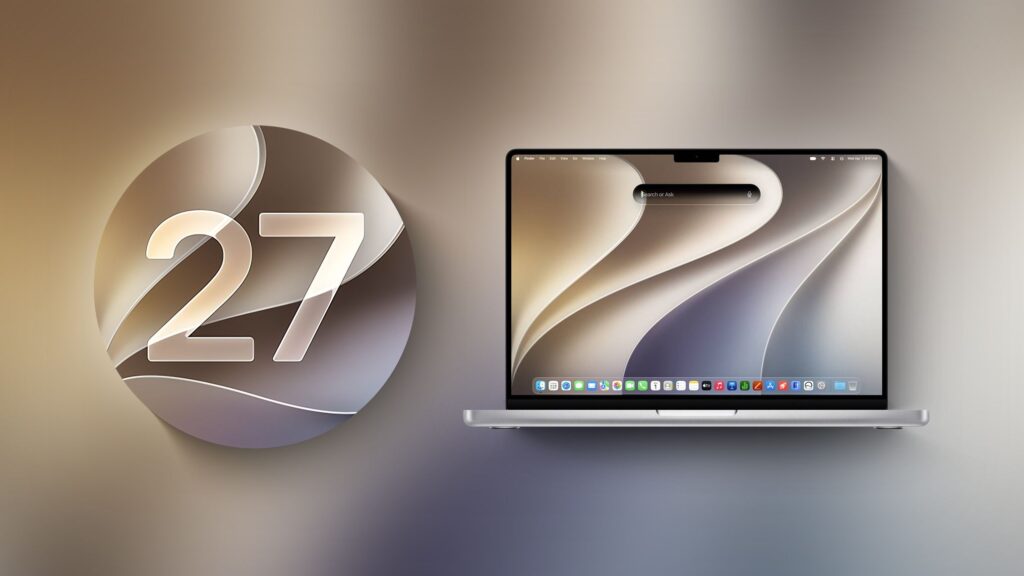
Apple today provided developers with the second beta of macOS Golden Gate, with the update coming two weeks after Apple launched the first beta.
Developers can download macOS Golden Gate by going to System Settings > General > Software Update. Beta updates will need to be enabled and a free developer account is required.
macOS Golden Gate includes several design improvements. Liquid Glass’ opacity has been improved to increase readability, there’s a slider to control the level of transparency, and changes to shading make it easier to tell when a window is active. Apps now have uniform toolbars, edge-to-edge sidebars, and less rounded corners, and there are fewer icons in menu bars.
Siri has been transformed into Siri AI, a chatbot-style assistant that combines general knowledge of the world, your personal data and screen awareness to answer questions about anything and find information for you. Siri lives in Spotlight and you can ask questions with the new Search or Ask interface.
There’s also a Siri app where you can chat with Siri and view past conversations, and on newer Macs you can set a custom voice for Siri with custom rhythm and expressiveness. Visual intelligence is now on Mac so Siri can answer questions about what’s on your screen, and a Write with Siri feature lets Siri generate text or give feedback on your writing.
There are AI photo editing tools in the Photos app, AI tab organization in Safari, an option to use AI to automatically update weak passwords in the Passwords app, and a revamped Image Playground app that can generate photorealistic images.
To learn more about all the new features in macOS Golden Gate, check out our macOS Golden Gate summary. macOS Golden Gate is currently limited to developers, but Apple plans to release a public beta in July.
