
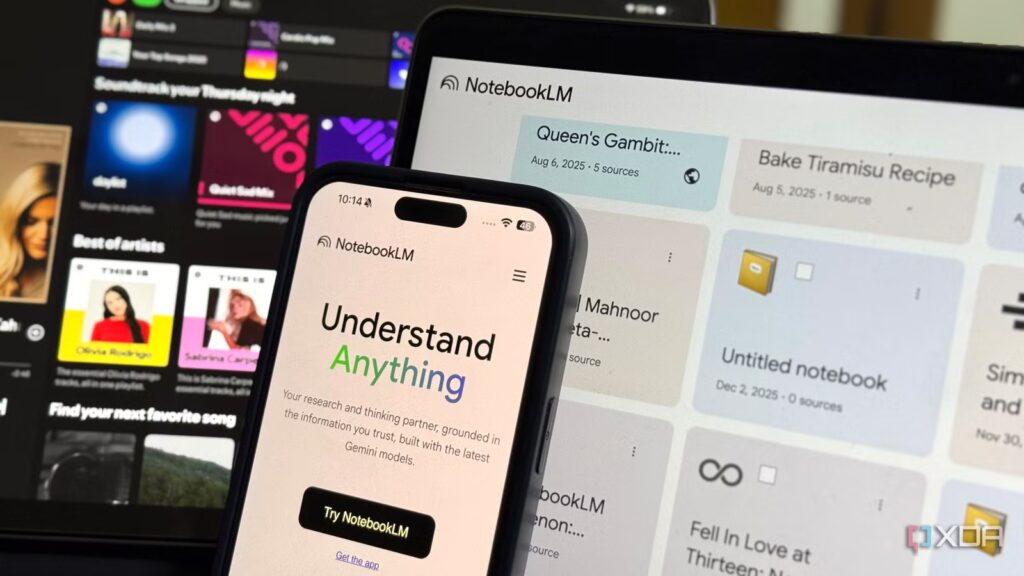
When you listen to a song too many times, you eventually reach a point where you can’t hear it anymore. Not because it’s bad (you wouldn’t have listened to it that many times back then), but you’ve simply worn it out. This is more or less how most people’s relationship with AI tools has been.
We all started out being passionate about ChatGPT, the tool that was practically synonymous with the word “AI” itself, before drifting into Gemini, and now, for many of us, settling into Claude for just about everything. I basically followed the same arc. Hype moves in a certain direction for a reason, after all! But there’s one tool I’ve stuck with through every phase, through every shiny new competitor, through every wave of hype: NotebookLM.
Just to give you some context, I’ve been using NotebookLM since it was an early Google Labs experiment. At the time it was called Project Tailwind and it was unclear if the tool would ever make it out of the lab. Like all other Google Lab experiments, the tool was completely free to use. Since then, for most of my NotebookLM journey, I have used the free tier. After using the Pro tier (which is included in the Google AI Pro plan), I can confidently say that the free version does everything I need it to and I’ve never really needed the upgrade.
Until NotebookLM, I never believed that AI could be a game changer for productivity.
It transformed my view of AI, for the better.
NotebookLM currently offers three paid tiers
And the free version has almost all available features.

At the time of writing, NotebookLM offers three paid tiers: Plus, Pro, and Ultra. The Plus plan costs $7.99/month, Pro for $19.99/month, and Ultra for $249.99/month (literally). Interestingly, you still can’t purchase NotebookLM as a standalone product. All of the plans I’ve listed above are part of broader Google AI plans, and NotebookLM premium is simply one component of the package, bundled with Gemini, additional cloud storage, and other Google AI features.
For example, because I’m a student with a valid .edu email address, I got Google AI Pro free for a year as part of the student offer. This plan gave me access to the premium tier of NotebookLM, before which I used the free tier exclusively. And honestly, I didn’t feel like I was missing out on anything.
The biggest difference between free and paid plans is limits and the deployment of new features (not the features themselves, so far). The free tier gives you access to virtually everything: audio previews, video previews, slide presentations, infographics, mind maps, reports, flashcards, quizzes, and data tables. The only notable exception currently is cinematic video previews, which are only available on paid NotebookLM tiers. After using Cinematic Video Previews, I wouldn’t really recommend upgrading just for this feature. It’s impressive, sure, but it’s not the kind of thing that transforms your research workflow. And even on the Pro plan, the limits are disappointing (more details below). I’ve written about my full experience with this feature here, if you’re curious.
That said, based on past tradition, the feature will likely eventually make it to the free tier, just like other premium features have done before it. NotebookLM has not kept any features permanently locked on paid tiers prior to this. Rather, it’s a staggered rollout strategy where paying users get early access before everything trickles down to the free plan. In fact, the plans page mentions that NotebookLM Plus subscribers get early access, while Pro and Ultra users get priority access to new features. Ultra users also do not receive any watermarks on generated content.
So, if you are on the free plan, you are not missing out on any features. You just wait a little longer to get them, and it’s not something I’d want to pay $20 for (unless I really, really like a feature).
Premium plans give you higher limits
But do you really need it?
In my eyes, the only real benefit of paying for a NotebookLM premium tier is the higher usage limits.
The limitations of Studio outputs are as follows:
-
Chats: 50/day (free), 200/day (Plus), 500/day (Pro), 5,000/day (Ultra)
-
Audio previews: 3/day (free), 6/day (Plus), 20/day (Pro), 200/day (Ultra)
-
Video previews: 3/day (Free), 6/day (Plus), 20/day (Pro), 200/day (Ultra)
-
Cinematic Video Previews: Not available (Free), Not available (Plus), 2/day (Pro), 20/day (Ultra)
-
Reports: 10/day (Free), 20/day (Plus), 100/day (Pro), 1000/day (Ultra)
-
Flashcards: 10/day (free), 20/day (Plus), 100/day (Pro), 1,000/day (Ultra)
-
Quiz: 10/day (Free), 20/day (Plus), 100/day (Pro), 1,000/day (Ultra)
-
Mind maps: no limits at all levels
-
In-depth research: 10/month (free), 3/day (Plus), 20/day (Pro), 200/day (Ultra)
-
Data Tables: Limited (Free), More Limits (Plus), Higher Limits (Pro), Higher Limits (Ultra)
-
Infographic: Limited (Free), More Limits (Plus), Higher Limits (Pro), Highest Limits (Ultra)
-
Slideshows and Reviews: Limited (Free), More Limits (Plus), Higher Limits (Pro), Highest Limits (Ultra)
The higher limits certainly sound impressive on paper, but let me put them in perspective. I’ve used NotebookLM to prepare for entire exams, and I’m not talking about light use. I downloaded a bunch of lecture slides, entire textbook chapters, and lecture notes into one notebook, then asked question after question to make sure all my doubts no longer existed.
I’ve overused every Studio output listed above and NotebookLM has become an integral part of my study routine. Even during my most intense study sessions, I rarely reached the limits of the free tier. The only limits I’ve reached are either audio previews or slides, but if you plan your study sessions even a little bit by spacing out the generation of these outputs, you’ll rarely run into problems.
100 notebooks are more than enough for most people
Name one person who needs 500 notebooks. I will wait.

Beyond the higher usage limits for Studio Outputs, the number of notebooks you can create as well as the number of sources you can add to each notebook also increases with paid plans. With the free plan, you get 100 notebooks with 50 sources each. Plus, it doubles that to 200 notebooks and 100 sources. Pro increases it to 500 laptops and 300 sources, and Ultra keeps the 500 laptops but lets you add up to 600 sources per laptop. Frankly, unless you run a research lab or manage dozens of projects simultaneously, 100 notebooks containing 50 sources each are more than enough. Since the tool still lacks proper organization features, having hundreds of notebooks without a good way to sort or categorize them would become a real waste anyway!
As someone who uses NotebookLM extensively, I always highly recommend that you be intentional about selecting your sources and adding only the most valuable and focused ones to your notebook. The whole strength of the tool is to allow you to work in the best possible way with your own knowledge. If you clutter your laptop with countless sources, even though the higher plans can certainly handle it, you end up diluting the quality of the outputs. NotebookLM works best when it has a curated set of sources, not a dumping ground of everything you’ve ever read on a topic.
The free tier is the only tier most people need
While I sincerely hope I haven’t given the NotebookLM team any ideas, the reality is that the free tier is truly generous. For the vast majority of users, whether you’re a student preparing for your final exams or a professional doing research on the side, there is very little reason to pay for a premium plan. The features are all there, the limits are more than reasonable, and by the time a new feature rolls out to the paid tiers, it’s usually only a matter of time before it trickles down to the free plan anyway.
