
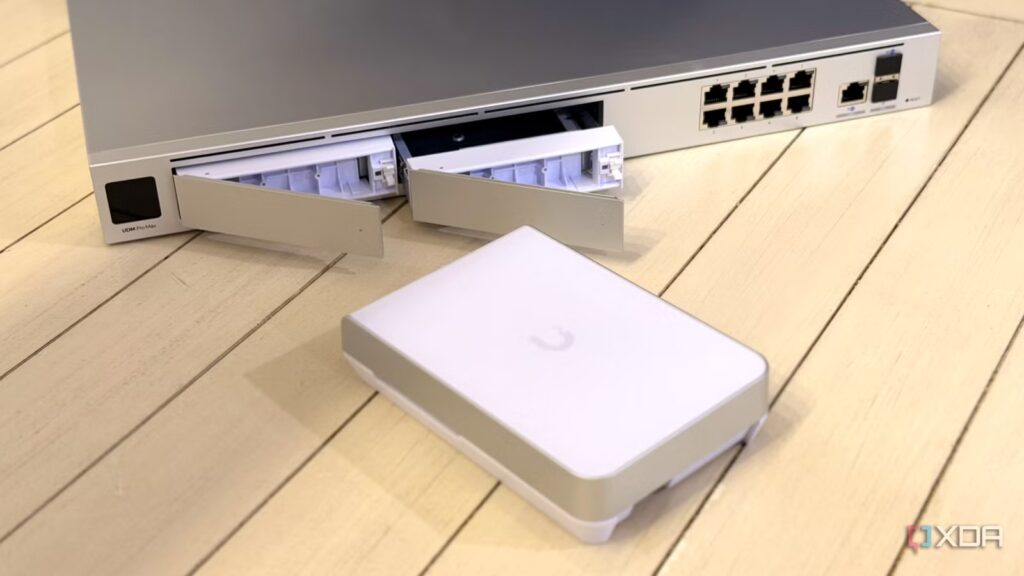
I’ve been using OPNsense for my firewall and router for a while, having heard so many great things about it from my colleagues. Being able to install it on a wide variety of hardware was a new experience, and the depth of plugins and scripts helped me learn a lot about networking. But its versatility is also one of its disadvantages. There’s no dedicated hardware with Power-over-Ethernet ports, nor much Wi-Fi support, requiring another manufacturer’s hardware to build a full network.
Which honestly poses a problem. Every wireless access point, every managed switch, every NAS, every IP camera added to your network has its own dashboard for configuration and maintenance, leading to a sprawling mess that gave me headaches. I started looking at centrally managed network systems and UniFi immediately stood out. Lots of devices, enough to cover everything I needed, and all managed from the same dashboard.
Setting up local DNS was one of the simplest improvements I made to my home network
Having local control opens up so many possibilities
I lost countless headaches
And I gained an ecosystem
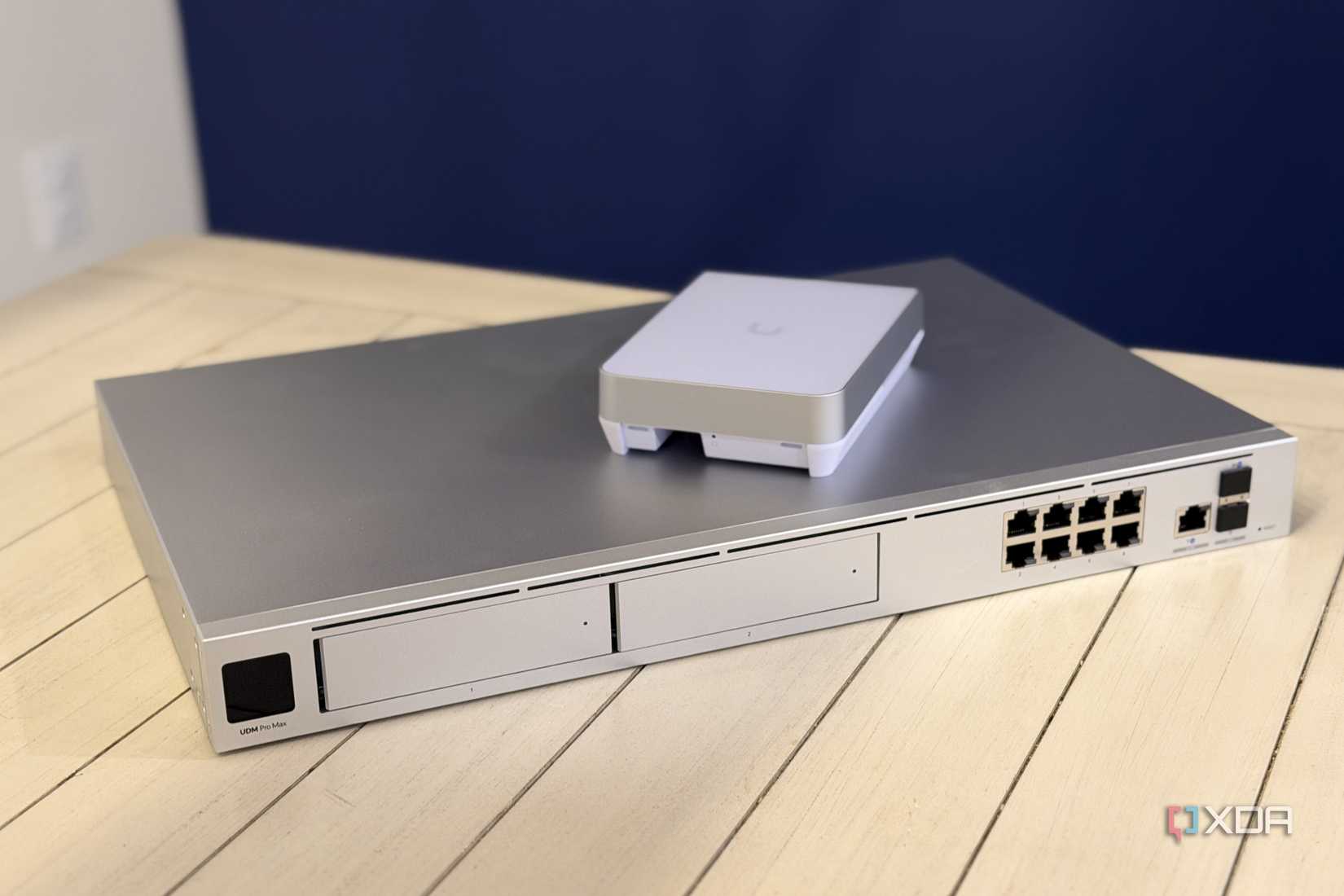
I had Zyxel hardware a while ago, and it was driving me crazy how I still needed a different dashboard for each device. I know some of their products connect to Nebula for remote management, but not enough that I’ve worked with. Additionally, OPNsense couldn’t handle things for me or test the links for me. It was a good safety feature, but not an overall experience.
I now have a software layer that manages my NVR, gateway, backup power, video doorbell, wireless access points, and managed switches, and each part of the stack has a phone app for easy setup. It will also handle other things, I just haven’t decided what will be added next. Probably a few PoE cameras, but it’s a big job that requires more wires running through my walls and I keep putting it off.
I can still use other network equipment, but why would I?
Of course, all network equipment uses essentially the same protocols, but adding non-UniFi elements to the network leaves blind spots between other managed devices. I could add monitoring software to part of the network to fill in those gaps, but then I would be managing two different network monitoring tools, and the goal was to reduce the number of things I had to worry about.
UniFi got me addicted to simplicity, and it’s a hard feature to give up. Being able to easily see network diagrams and problems improves my life and gives me more time to do other things. I may write on networks often, but I don’t want to spend all my waking hours changing settings.
I can manage everything from a single dashboard
Every UniFi device I own goes to the same place to be processed

While I was playing in the lab at home, I needed a solid internet connection for the rest of the family to avoid the network being constantly interrupted. This temporary solution has been around for years, and one of the things that worried me about replacing the trellis was that it turned into another thing that I had to spend time managing.
I shouldn’t have worried. The UniFi dashboard wasn’t familiar to me at first, but it didn’t take long to get the hang of it, and the community has tons of explanations in the forums and elsewhere to guide me in the right direction if I get stuck. And every newly added device in the ecosystem is added to this dashboard, so I don’t need to figure out which thing I’m connecting to.
OPNsense is still great, but not for me

OPNsense is a good option for many to protect their home network, but it’s no longer my favorite. It helped me learn while breaking issues along the way, but that’s what any good networking software should be able to do. This was a fun thing to do when I was starting out in my home lab, but my needs have changed.
Why I use OPNsense over pfSense and why I don’t trust Netgate at all
Both platforms have their uses, but Netgate has a very controversial history.
UniFi makes my home network easier to manage
Life is boring enough without having to micromanage every part of your home network. I was tired of having a different dashboard to log into for each network device and having to remember IP addresses and login information for each one. Even with a password manager it became irritating, and every now and then my router would reassign the IP address and I would have to look up the management IP address again. UniFi puts everything I need on the same dashboard and connects all other network devices to the stack independently. There aren’t many unified networking dashboards, and most of them charge you for advanced features, which is something that annoys me with Zyxel and some of the other systems I used before UniFi.
