
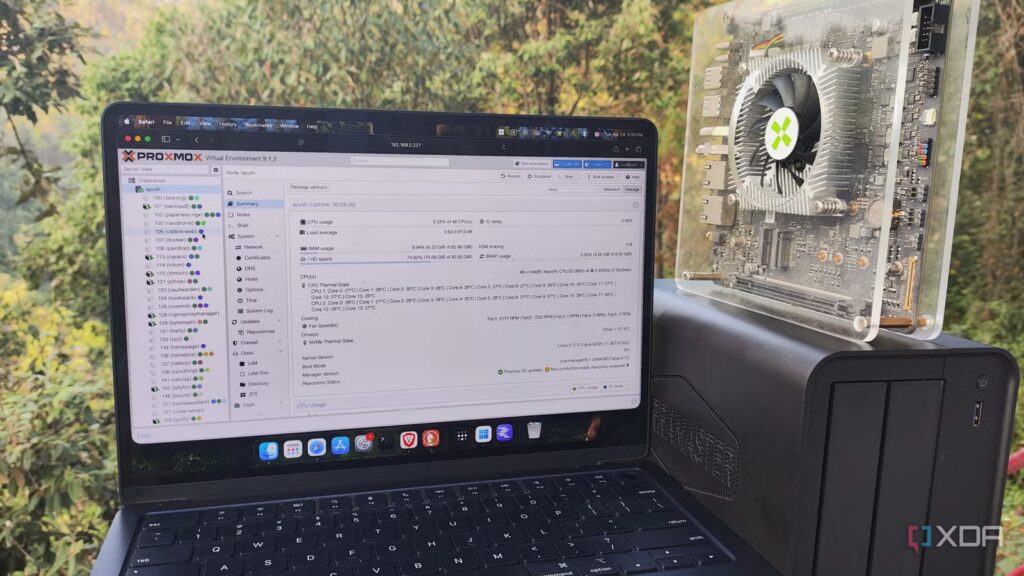
As a member of the home lab ecosystem for nearly a decade, I have alternated between several devices over the years. Hell, I changed distributions, container runtimes, and virtualization platforms several times before ending up with my current software arsenal. However, one thing that has remained constant throughout this time is the amount of experience I have gained through my DIY mishaps and botched experiments.
In fact, I still remember some of the fatal mistakes I made when I upgraded to my current Xeon desktop after using my old Ryzen version for almost three years. Even though I’ve come a long way since then, here’s a quick overview of everything I did wrong when I rebuilt my main home server, so you don’t repeat the same mistakes my amateur did.
I used an old gaming laptop as a home server, and it beats most entry-level mini-PCs
My outdated monster of a laptop doubles as a powerful server node
Forgetting to tweak the virtual guests I had armed with GPUs
Or even CPU host settings, for that matter

I always liked being able to pass PCI devices to my virtual guests. So much so that I had configured GPU passthrough for a group of LXCs on my Ryzen-based Proxmox node, and even set up provisions to quickly clear configuration files and move my graphics card to my virtual machines if I wanted to work on demanding projects.
Well, what I didn’t realize was that my virtual guests wouldn’t work unless I changed their configurations and removed the old GPU drivers to accommodate my Team Blue card (specifically the Intel Arc A750). For reference, I had a Proxmox backup server responsible for hosting the snapshots, but I never really realized I could use it to migrate my virtual guests. Instead, I used the old method of creating vzdump backups, moving them to my PC, and using an SCP tool to migrate my LXCs and VMs to the other node (which is a pretty stupid move in itself).
As you might expect, attempting to start my virtual guests caused them to immediately shut down or experience driver issues from time to time. Worse, I realized that I could change the host CPU settings on each VM to improve its performance, which made things even more complicated after the migration. Fortunately, I had enough documentation to realize my mistake and fix things with the CPU settings, although the GPU switching issue was only resolved after uninstalling the drivers on the affected LXCs (and in some cases, after launching new ones).
Consolidate everything on a 2-node configuration… without Q-Device
Looking back, I didn’t even need a cluster back then
Building clusters when you don’t really need them is something I always advise against for new home labs, especially since I speak from experience. You see, once I finished moving the virtual guests and got used to the Xeon node, my old PC was still functional. So I did what any DIYer would do in this situation: continued to use it for my server experiments. And once I came across the cluster layouts on Proxmox, I figured I could set them up on my 2-node home lab.
Now, there is nothing wrong with a cluster having only two nodes. Hell, my current PVE cluster (which coincidentally uses the same Ryzen system) has two systems in a high availability configuration based on ZFS replication. But I have a third Raspberry Pi that acts as a Quorum device, which means my cluster will always stay online even if either device goes offline. Without my little companion, my cluster would lose the tiebreaker to maintain quorum if one of the nodes failed. That’s pretty much what happened a few weeks later, after deploying my first two-node cluster. Since I wanted to check what XCP-ng was, I removed the Proxmox drive from my Ryzen system and started installing the rig, blissfully unaware that my main PVE node had also failed. Fortunately, I had only replaced the SSD with the first one; otherwise I would have had to reset everything and spend hours restoring snapshots of my PBS server.
Overprovisioning system resources
Some habits die hard
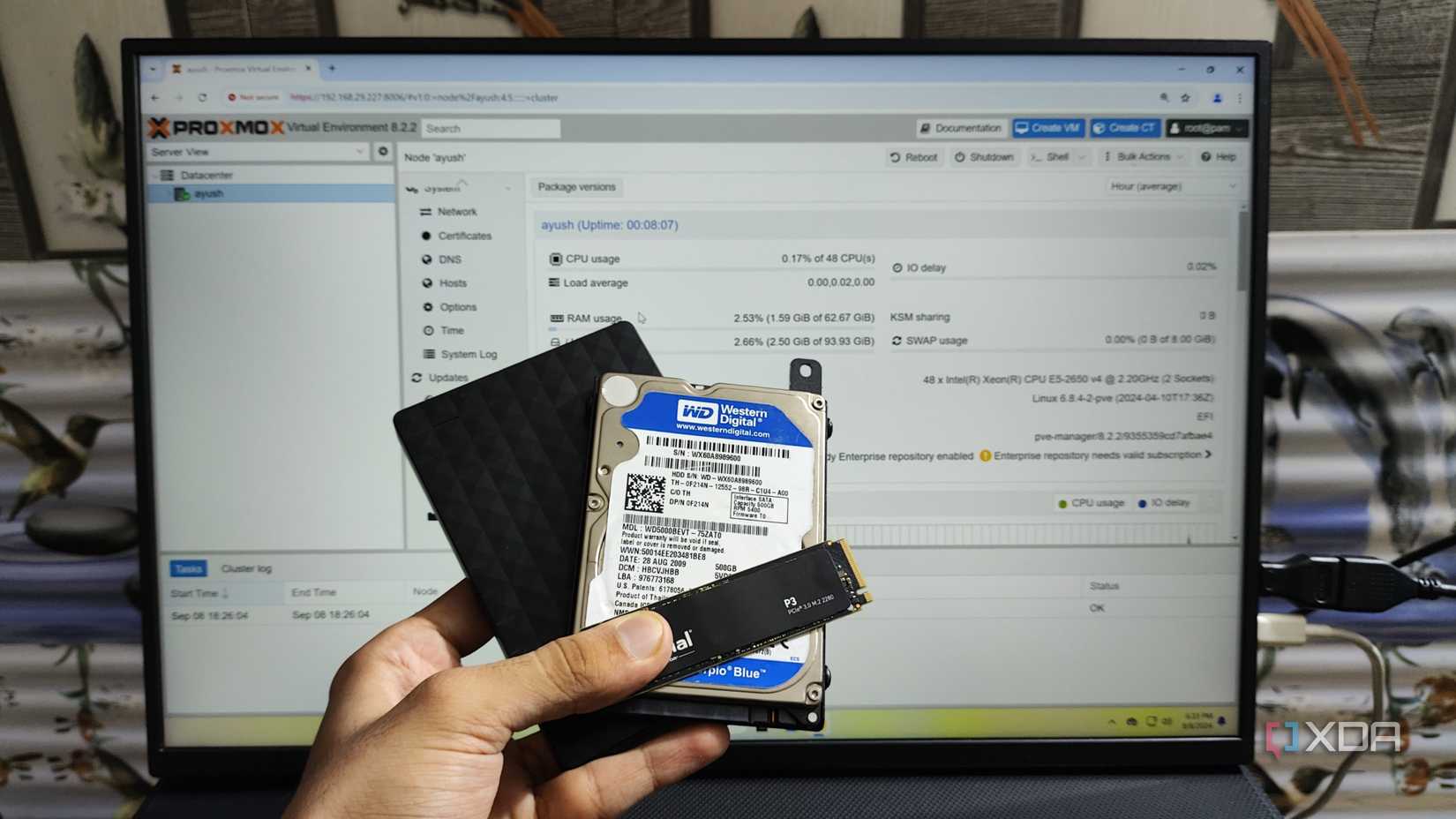
Truth be told, this wasn’t something I realized immediately after upgrading my server, as I was too busy taking advantage of the additional compute resources available to me thanks to the old enterprise platform. To begin with, I started allocating RAM to my virtual guests with reckless abandon, and I often ran GUI-intensive virtual machines, even for projects that didn’t need it. Over time, I had overprovisioned my memory resources so much that my system started to feel slow, a situation that wasn’t helped by the fact that I was using ZFS pools on my storage server. Once I finally crashed the server, I realized my folly and started optimizing my resource allocation habits, and even started abandoning intensive VMs in favor of lightweight LXCs.
But that wasn’t the worst. In addition to giving my virtual guests too much RAM, I had also gone too far in giving them virtual SCSI disks, to the point where my VMs and LXCs were taking up more than twice the maximum storage capacity of my server. The thing is, they didn’t end up consuming all that space, so my local-lvm and ZFS pools reported plenty of free space. But I only realized this mistake after trying to upgrade to PVE 9 last year. After a successful update to the new version of Proxmox, my node threw an error that my storage pools were offline. After much panicked searching, I came across a forum post highlighting the same issue, and running the commands that a nice handyman had mentioned in the thread helped resolve this issue. But it taught me the importance of keeping my resource allocation tendencies in check.

Your Proxmox 8 server is no longer receiving security updates in August and upgrading to PVE 9 is not easy
Whatever you do, don’t forget to back up your virtual guests
Home lab is all about trial and error anyway
Although I can’t help but smile while writing this article, I would say it’s worth documenting my mistakes. If not for newcomers, at least for me. Every problem I’ve encountered so far has allowed me to become a little more proficient in the art of the home lab. And that’s pretty much what home servers are for: making new mistakes frequently and learning valuable lessons… every once in a while.
