
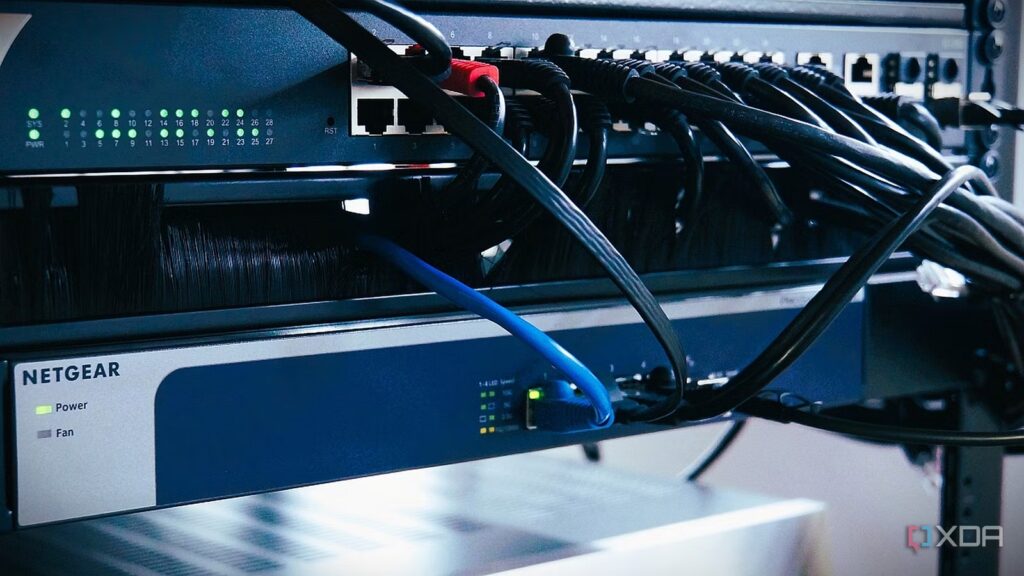
Hands down, one of the best things you can add to your home network is a managed network switch. They form the backbone of your network, connecting your wired devices together and providing connectivity to wireless access points, while providing redundancy, VLANs and more.
But it could be much more. Most consumer hardware uses 8P8C connectors for twisted pair connectivity. And that means the most versatile outlet on your network switch is likely to go unused. These are SFP/SFP+/SFP28/QSFP+/QSFP28 slots, designed to use direct attach copper (DAC), optical fiber, or copper transceivers to go beyond the capabilities of copper twisted pair cabling. You don’t need to spend a lot to get one either, with low-cost managed switches often coming with one or two these days.
The first thing I did in my new house was install a 10 GbE LAN
What is SFP and why would you want to use it?
Gain flexibility in your cable choice
Small Form-factor Pluggable (SFP) has been around since 2001, when it was introduced to replace larger fiber transceivers capable of data rates up to 1 GbE. It can travel up to 100 miles (depending on the type of fiber used), but it’s also on its way out, as new versions of the connector standard take over.
SFP+ increased data throughput to 10 GbE, and it is probably the most common variant today, although data centers have moved to QSFP+ (40 GbE), SFP28 (25 GbE), QSFP28 (100 GbE) and beyond.
Having fiber transceivers offers you many advantages:
- Lower latency than twisted pairs
- Less power and heat
- Better noise immunity
- More distance options
- More flexibility
The most important of these is reducing latency or power consumption, which is why it appears in managed switches and other hardware designed for business or data center use. It is now starting to appear on consumer devices, often as a WAN port for fast connectivity to multi-Gig ISP connectivity.
SFP+ to RJ45 adapters run hot, but sometimes you have no other choice
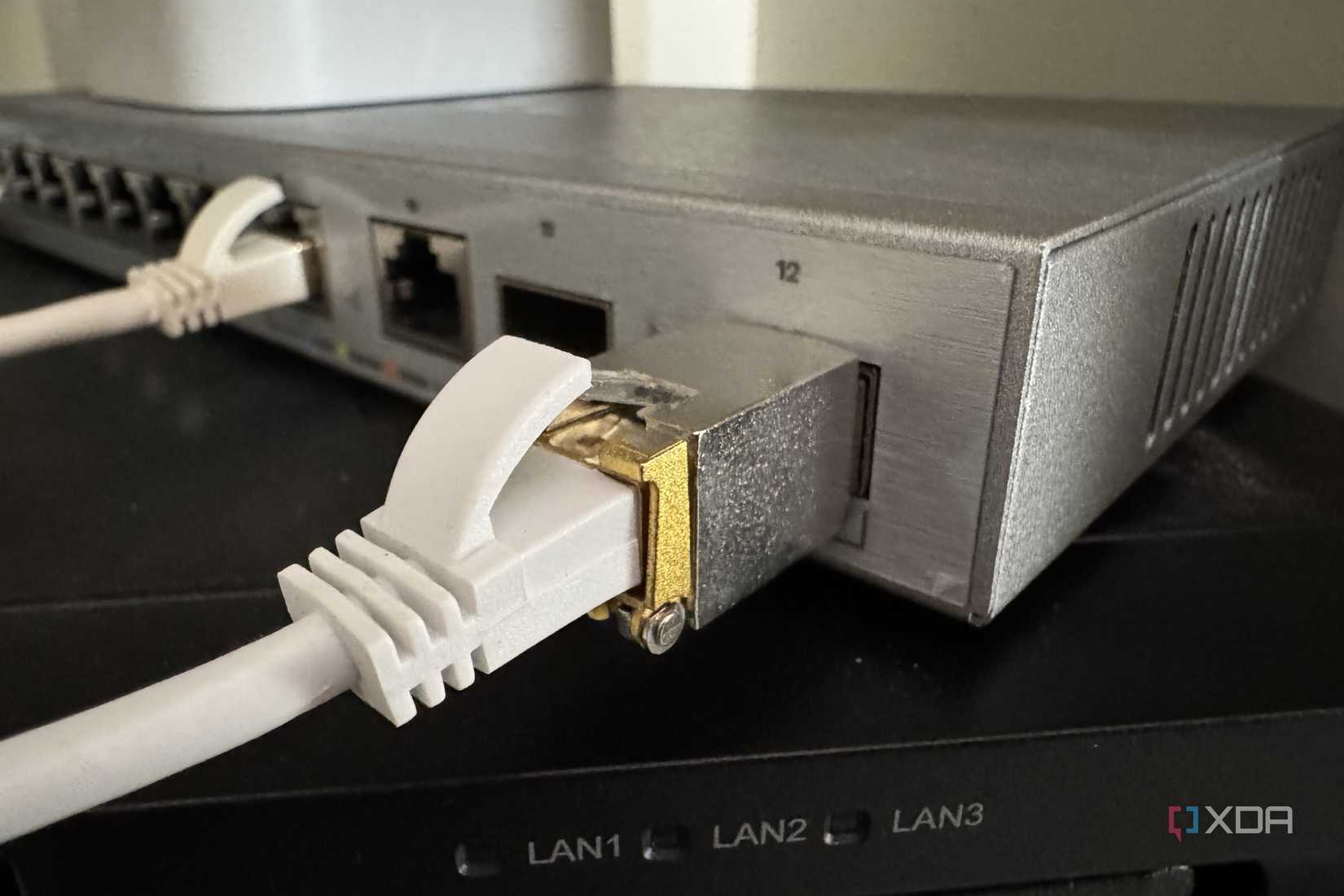
While most SFP users use a DAC or fiber optic, the other side sometimes has 10GbE RJ45 connectors, like on many NAS units. The problem with these transceivers is that they get hot because the signal conversion generates a lot of heat. It’s not ideal, but sometimes you have to work with what you have.
My current managed switches use SFP28 connectors, which are compatible with SFP+ for 10 GbE and SFP28 for 25 GbE. Perhaps a bit overkill for my current needs, but it’s used for backplane between devices, and I’m sure its future use will justify the upgrade.
What does all this mean in practice?
Help your network realize its full potential

SFP+ is the most common standard for 10 GbE networks, which may seem like overkill for home networks, but not when you consider where it’s best used. These are fast connections between your network devices, so your link doesn’t become the bottleneck of your network. As with any networking equipment, the question “do you need it” always depends on a multitude of use cases in which they are best used, but best in this case it is what is best for your environment.
Links to desktops and the like can still be handled with twisted copper, but if SFP+ is available on your network switch and router, why wouldn’t you use it? SFP+ DACs are inexpensive and you generally won’t need them for a network rack. It is also convenient for wall installations that cannot be far enough from power lines, because optical fiber is not affected by electric fields.
Some things to consider
It’s also worth noting that SFP+ and SFP28 are pin-compatible. SFP can be used in SFP+ (but at the lower data rate of 1 GbE), while plugging SFP+ into SFP may damage the cable or network device. And that’s before you determine whether you need single-mode or multi-mode fiber optic cable.
Most home uses are probably better off with multi-mode, as you’re unlikely to need the single-mode offerings remotely, but that does mean you need to be careful when purchasing transceivers. And not all switches or network cards are compatible with all transceivers or DACs; some are notoriously picky about the brand used.
Your mesh Wi-Fi network isn’t the problem, your link is.
Running wires avoids circling around the problem
Whether rack-mounted or building-to-building, SFP ports can make it happen
With the versatility to achieve staggering network speeds of up to 100 Gbps and a range of up to 80 km via fiber optics, your network switch is incredibly powerful. This port is perfect for connection between two sitesfloors of your home or between high-bandwidth parts of your network rack, whether between your gateway and your switch, or your switch and your NAS, or any other link that will be used by multiple users at once.
