
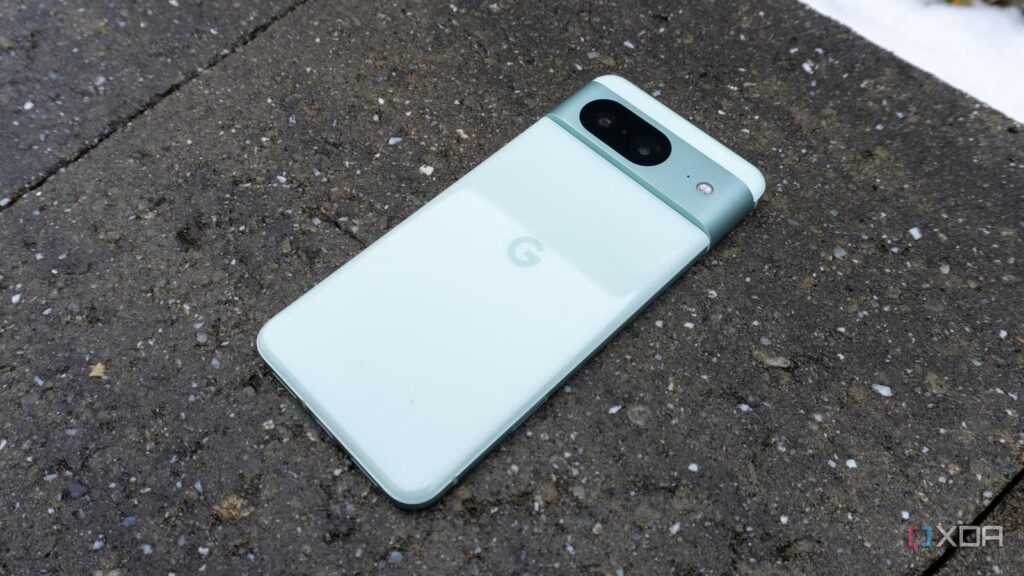
Smartphones these days have very powerful processors, so much so that if you upgrade your phone, your old one is probably still more powerful than many hobbyist lab hardware. On top of that, there’s also a built-in unique selling point: the biggest advantage over a Raspberry Pi is the battery. If your home lab’s power supply is flickering, the Raspberry Pi is crashing and corrupting your SD card; However, using an old phone means it will stay online for at least a few more hours.
Your current phone is a tool for the world, but your old phone, specifically your Google Pixel, is a tool for your network. This is a powerful Linux node with an integrated UPS and a high-resolution console in the form of a screen. The Raspberry Pi 5 is established, but it’s expensive, and the e-waste in your drawer is a server node that puts dedicated SBCs to shame. While your current phone may be limited by daily driver needs like battery anxiety, OS stability, or app clutter, your old Pixel is a Linux beast unleashed.
7 Creative Uses for the Raspberry Pi You Probably Haven’t Tried Yet
Your Raspberry Pi is much more than just a media center or retro gaming emulator
The use of AI is unmatched
Your phone has amazing hardware to use
The pixel-specific hardware makes it a unique home lab tool compared to generic Android phones. This really sets it apart from older alternative phones, so if you’ve got an old Pixel in your drawer, it’s time to put it to good use. In 2026, many enthusiasts are using old Pixels as AI agent gateways. Use the TPU of Tensor chips via Termux and OpenCore to run lightweight local LLMs for home automation without relying on a cloud API.
Your old Pixel can actually run offline voice processing locally, giving you access to a range of voice-specific home automation tools. Pair that with the recent Home Assistant update that lets Pixels act as a local wake word satellite, and it gives you a privacy-focused Alexa replacement that never talks to a cloud server. All voice processing is done locally, directly from your old phone, which was otherwise sitting at the bottom of your junk drawer collecting dust. You also don’t need to wait for your request to ping an alternate server on the other side of the planet, which means you’ll also likely experience a lot less latency when talking to Home Assistant.
If that doesn’t suit you, you can also reuse an old Google Pixel as a security center or safe, since it’s not your primary phone. You can keep it isolated or on a high security VLAN. Use it as a dedicated VPN gateway, as its hardware encryption manages Wi-Fi tunnels much more efficiently than a cheap router or a Raspberry Pi 3 or 4. You can also set up a script to monitor the heartbeat of your main server. In the event of an outage, the Pixel, with its 5G/LTE backup solution, can send you an emergency alert, even if your home internet connection is down. It gives you much more versatility compared to the Raspberry Pi alternative.
You also have access to numerous sensors
Which are probably better than budget alternatives

Using an old phone for your home lab is truly a Swiss army knife. It offers you so many features. A Raspberry Pi needs $60 in HATs to do what a Pixel does for free. Indeed, phones, even older models, are equipped with a variety of sensors of simply exceptional quality. You can use it as an environmental monitor, using the ambient light sensor to track sunset logic and the microphone as a glass break detector for your security system.
You can use the front camera with Frigate NVR working through a docking container in Termux for high precision object detection on your desk or in your rack. It is even possible to use it as a dashboard, using a kiosk browser, the 90 Hz OLED becomes a permanent high fidelity monitoring station for your dashboards.
However, no matter what you use it for, the only thing you need to pay attention to is managing battery safety. When you leave a phone charging 24/7, you risk causing the battery to explode and it becomes a potential fire hazard. The best way to address this problem is 20/80 automation. By using Tasker or Home Assistant to activate a smart plug, you can keep your phone’s battery between 20 and 80 percent to avoid this hit. For Pixels with root access, you can use ACC to bypass the battery and run directly on AC power once the charge threshold is reached, and newer Pixel phones have an automatic option to limit the charge to 80%.
You may also want to make sure you don’t have a case on the phone, as this could contribute to even more overheating. To take it a step further, maybe add a $5 copper heatsink to the back of the phone.
Don’t let your phone become electronic waste
Give it new life
Your current phone is too busy to be a real phone that you use every day, but your old Pixel that’s just been sitting in the bottom of a drawer, not being used anyway, is finally free to become a computer. Don’t waste it and put it to good use. Rather than throwing them away and letting them become electronic waste, give them a whole new life. Don’t let a powerful Tensor chip rot in a drawer; it’s a low-power miracle that’s ready to become the brains of your home lab.
