
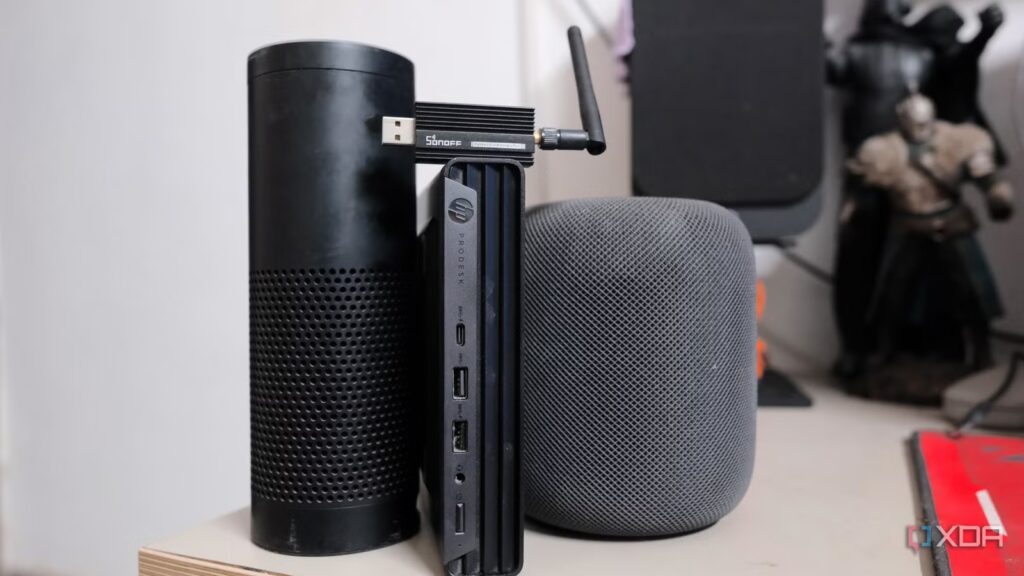
Building a smart home that responds in less than a second is no joke. Take a cue from someone who struggled with Amazon Echo and Apple HomePod to build a smart home that triggers commands and automations after a few seconds. And that too, if they worked.
Instead of giving up on my smart home dreams, I decided to replace the smart home hub entirely. I bought a $120 HP ProDesk 600 G6 Mini PC and turned it into my own smart home hub using Home Assistant that ran on Proxmox. Then I added a $20 Zigbee USB dongle (SONOFF Zigbee 3.0 USB Dongle Plus) and spent weeks tinkering to make my smart home responsive.
I manage my entire smart home from a single mini PC with Home Assistant
If you told me my smart home would be controlled from a single box, I wouldn’t have believed you
When “just works” smart home hubs show their limits
Paying the Price for Convenience
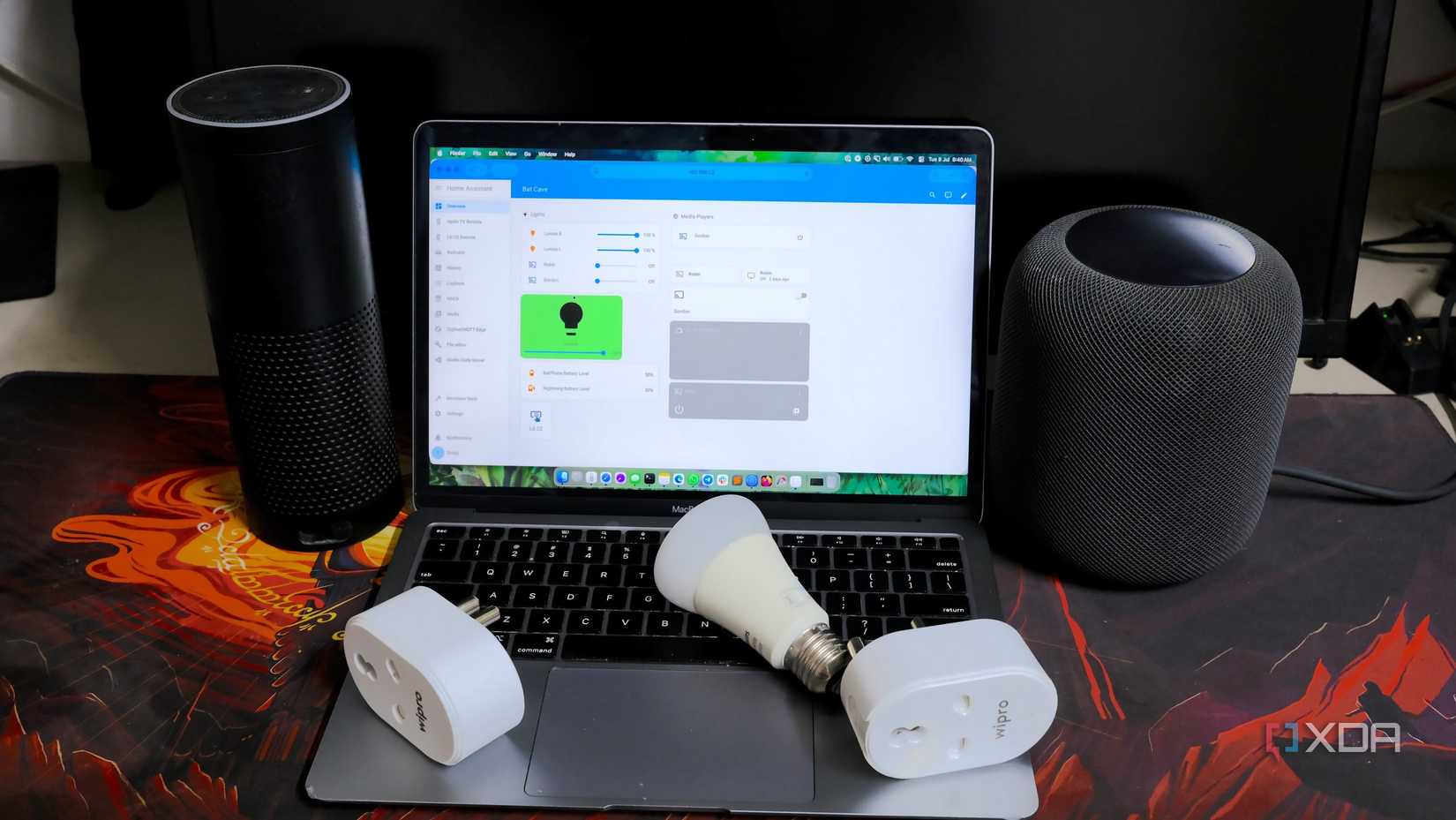
I started building my smart home with an Amazon Echo. Like most people, I’ve stuck with devices labeled “works with Alexa.” Turns out that label was just the starting point.
Over time, I realized that getting Zigbee devices to work with the Echo was not simple. The built-in Zigbee module and other wireless protocols were finicky. None of them automatically recognized my smart TV, smartphones, smartwatch, or any other smart devices.
I had to configure the use of skills and apply workarounds that looked like hacks. When my Philips Hue bulbs stopped cooperating with the Echo, I decided to move on.
I impulsively bought a HomePod to bring all my Apple devices under one smart home roof. But Philips Hue refused to work without Hue Bridge. Also, the HomePod doesn’t support Zigbee, so I used these Hue bulbs in a non-smart way.
HomePod also required setting up Apple TV with HomeKit to use the two together. Device costs kept rising and I found myself with a handful of time-specific automations with virtually no customization.
Automations and routines seemed slow, lagging around 500ms. Only Echo supported the Zigbee protocol. But neither had a USB port to support USB coordinators. After losing almost $450 on both, I wanted to stop compromising.
Build a Custom Smart Home Hub with a Mini PC
An attempt to create the right smart home
I briefly considered the $130 Aqara Hub and the $300 Homey Pro, but both were walled gardens in their own right. So I bought the HP ProDesk 600 G6, a mini PC with x86 hardware that can run multiple virtual machines and can easily pass through USB without permission quirks.
I installed Proxmox on the mini PC and ran Home Assistant OS as one of the virtual machines. This made it easier to pass through the SONOFF Zigbee USB dongle.
Once Home Assistant was up and running, discovering the device was impressive. My smart TV, Apple TV, HomePod, router, and other smart devices appeared within minutes and each took seconds to set up.
When I plugged in the SONOFF Zigbee USB dongle, Proxmox detected it instantly. But I chose Zigbee2MQTT over the default ZHA integration. The reason was simple: it runs locally on MQTT and provides finer control over mesh topology and device pairing. It took about 15 minutes to set up my Zigbee-based Philips Hue bulbs without a Hue Bridge, IFTTT workaround, or cloud support.
I grabbed a few ESP32 microcontrollers and flashed some with ESPHome. I’ve experimented with others, using them as a thread router and Bluetooth proxy.
Build my own sensors and devices
Too many options to choose from
Home Assistant supports a variety of DIY versions and commercial devices. The commercial models are impressive with custom PCBs and compact builds. However, I became interested in the DIY route to building custom sensors: a door sensor with a magnetic switch, a motion sensor with a PIR module, a light sensor for automated lighting based on brightness, and a temperature and humidity sensor with a DHT22 sensor.
My versions weren’t as compact as commercial sensors, but they kept all data local, worked reliably, and cost much less. If you’re new to the DIY route, familiarize yourself with the YAML configuration files in ESPHome.
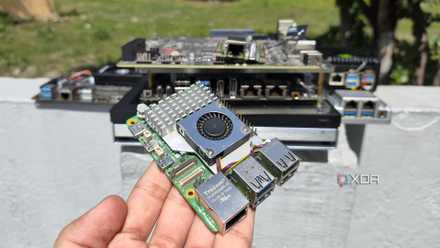
4 Raspberry Pi Projects I Abandoned After Realizing Mini PCs Under $150 Run Them All Better
After all, cheap mini PCs crush Raspberry Pi SBCs in performance and OS compatibility
The difference between night and day in terms of responsiveness
When it came to responsiveness, the gap between the old and new configurations was evident. Automations and actions feel instantaneous. My routines and scenes work without problems. My smart home has over 12 different smart devices connected – a mix of Zigbee, Wi-Fi and Bluetooth. I’ve reduced the automations to less than 20 and have a large majority of devices running locally.
The steps to building my own smart home required several weeks of reading documentation, browsing community forums, ordering components, and soldering into the ESP32. Ultimately, troubleshooting code and hardware issues tested my patience on several occasions. Yet every hour I spent on it helped me learn how my smart home works. In addition to building my devices, I also run a local LLM with Home Assistant to automate my smart home as much as possible.
If you’re stuck with a proprietary smart home hub, get a mini PC to run Home Assistant on it and upgrade your smart home.
- Operating system
-
Windows, macOS, Linux
- iOS compatible
-
Yes
- Android compatible
-
Yes
Home Assistant is the best way to connect your smart home systems together.
