
Apple is expected to launch a wave of new home products later this year, after iOS 27 brought the long-awaited Siri overhaul. But Apple Home recently improved in three ways during the iOS 26 cycle. Here’s what’s new.
#1: Adaptive Temperature Feature for Smart Thermostats
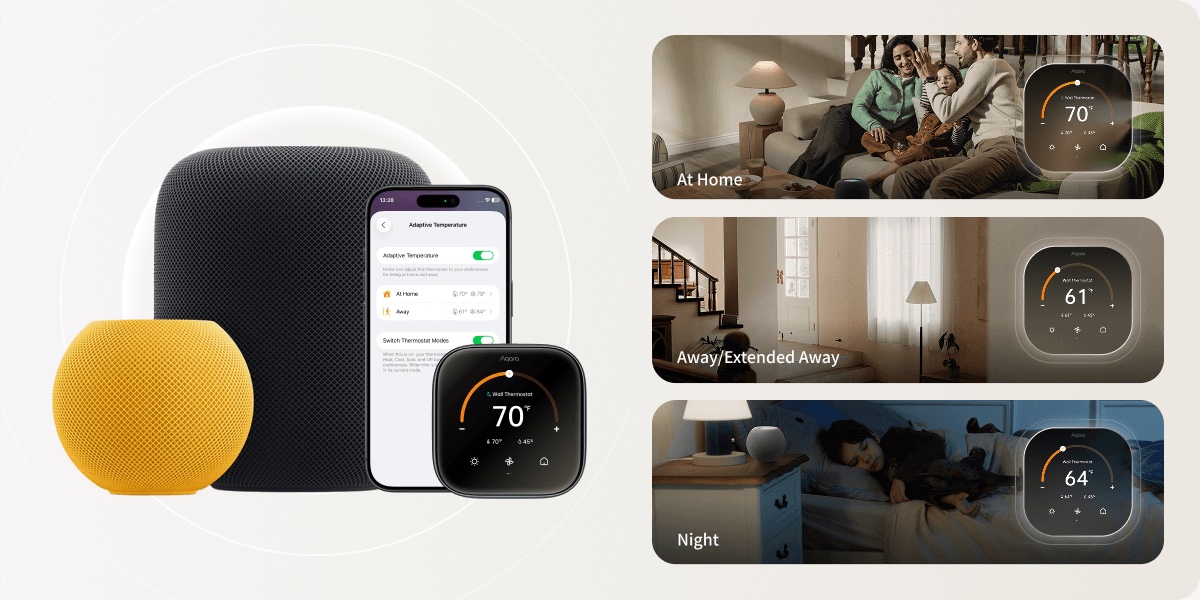
iOS 26 introduced a new Adaptive Temperature feature to Apple’s Home app, intended to boost the intelligence of smart thermostats. Here’s what it does:
Set your thermostat to automatically adjust when you return home, when you fall asleep, or when you are away for an extended period of time. Your iPhone uses device intelligence to predict when you get home to bring it to the right temperature by the time you get there, and adjusts the thermostat to save energy when you’re away from home. It also responds to the sleep schedule created on the iPhone to adjust the temperature when you fall asleep and wake up.
Even though Apple technically launched Adaptive Temperature in iOS 26.0, the first supported smart thermostat just launched earlier this month.
THE Aqara W200 Smart Thermostat debuted with full adaptive temperature support, allowing your home to stay comfortable and energy efficient without any effort on your part. All you need is an Apple Home Hub.
The Aqara W200 doubles as a Matter 1.4 hub with built-in Thread and Zigbee, and it also pairs seamlessly with Aqara smart locks and video doorbells, allowing you to control and view live video feeds directly on the 4-inch touchscreen.
#2: The first smart lock with Apple Home Key and Ultra Wideband
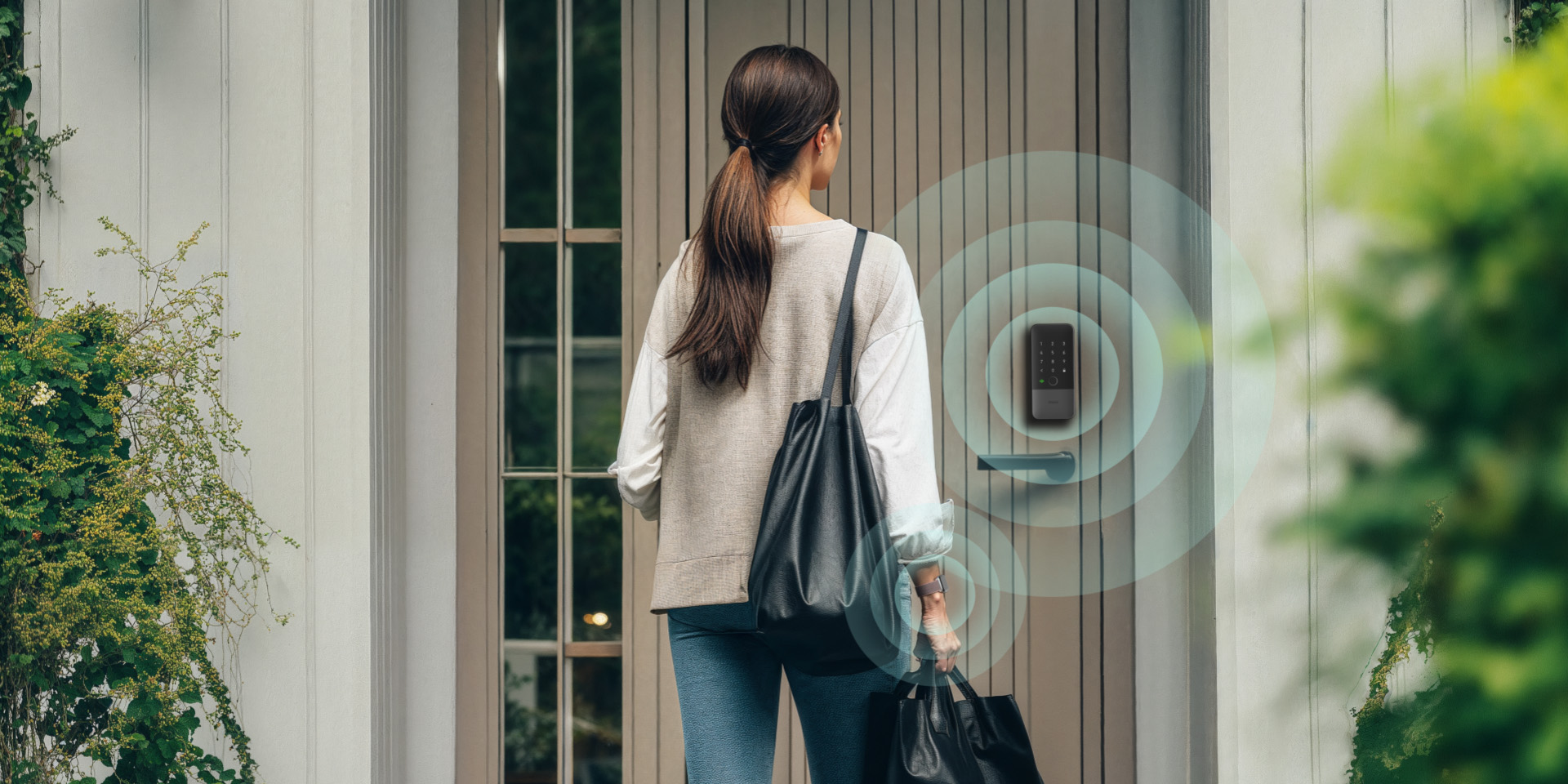
Apple Home also benefited from the recent arrival of the first smart lock supporting Apple Home Key and Ultra Wideband (UWB).
This product is the Aqara U400 Smart Lock– clearly, Aqara is focusing on Apple integrations.
Apple Home Key is configured in the Home app for your smart lock, allowing you to easily lock and unlock your door and share access with your guests.
What’s particularly interesting about the Aqara U400 is its Ultra Wideband functionality. UWB means your door can automatically lock and unlock based on your presence alone. And it’s much more accurate, secure and reliable than the alternatives.
#3: Faster accessory setup for multipacks
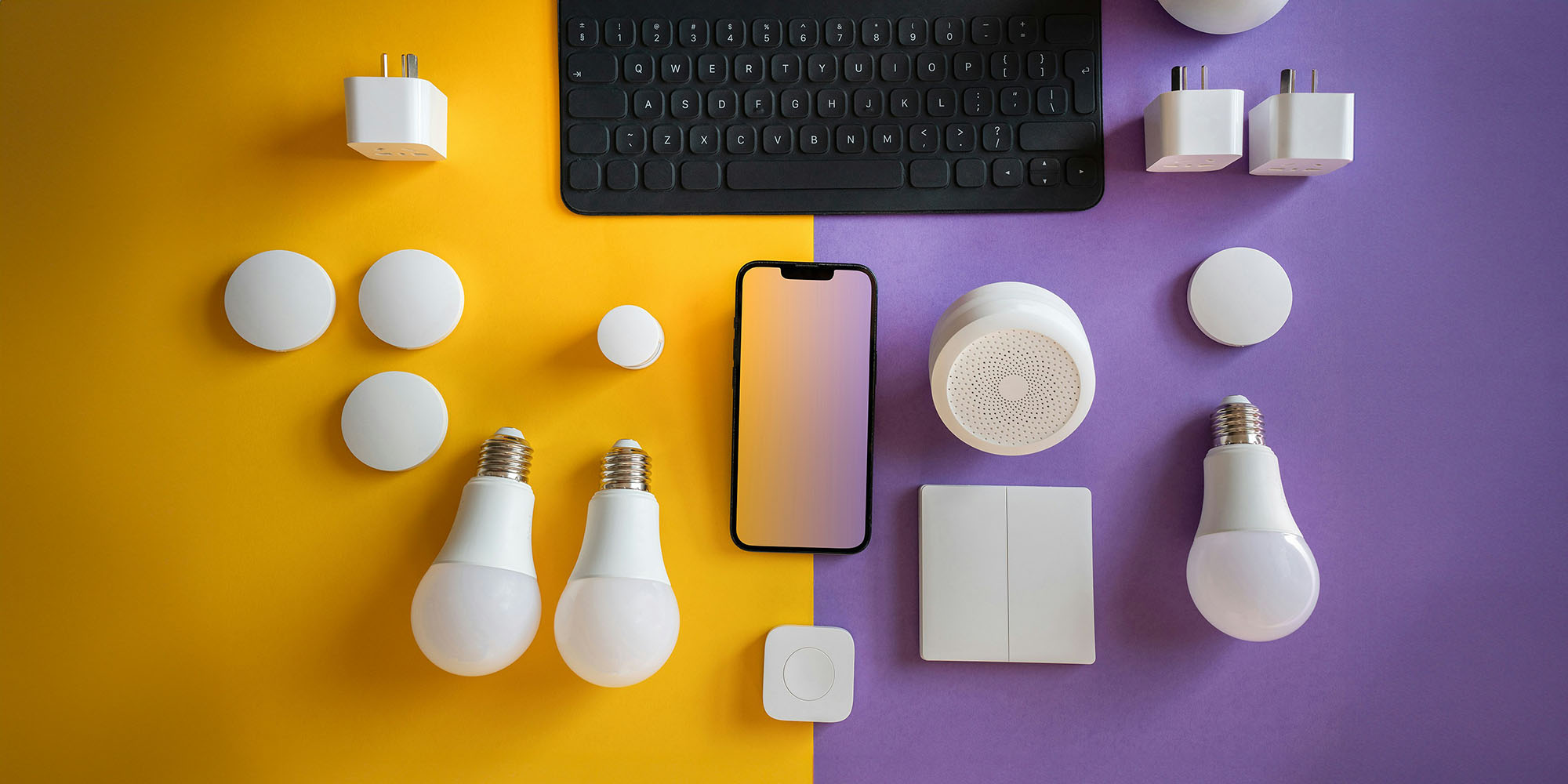
If you’ve ever purchased a multi-pack of home accessories, you’ll know that it can be complicated to install them one by one.
But in iOS 26.2, Apple gave the Home app a handy upgrade in this department.
According to Apple’s official release notes:
Multipacking accessories in the Home app lets you use the same setup code to easily register multiple accessories when sold together
That’s right: With just one setup code, you can quickly and easily add a multipack of smart plugs, bulbs, motion sensors and more to the Home app.
I’ve moved around a lot over the past few years and got tired of the process of setting up smart home accessories. So I’m always a fan of changes that make configurations easier.
What new Apple Home features do you hope to see arrive in iOS 27? Let us know in the comments.
Best Apple Home accessories

FTC: We use automatic, revenue-generating affiliate links. More.
