
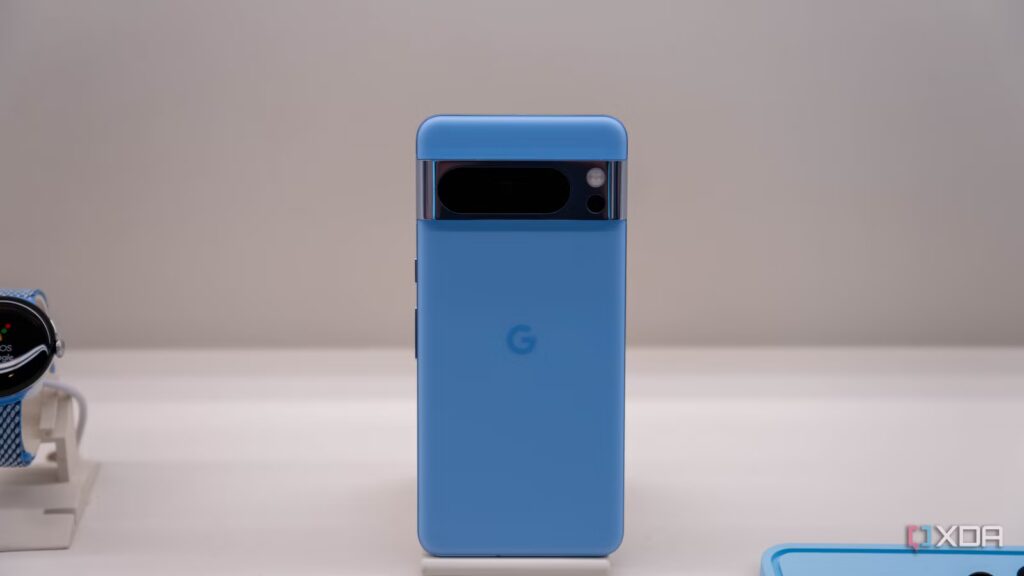
Smart home displays like Echo Show or Google Nest Hub are notorious for being underpowered, slow, and filled with ads. Without even realizing it, you have a better alternative: sitting in a junk drawer already at home. Your old Pixel 6 has a Tensor chip, a high refresh rate OLED display, and a battery that can also be bypassed for direct power from the USB port. The Google Pixel is the ultimate smart home device.
While manufacturers want you to buy a $250 dedicated hub, a 4-year-old Pixel, even a Pixel 6 or 7, has a superior AMOLED display, faster processing, and a more robust sensor array than almost anything else in the smart display category. I stopped buying purpose-built gadgets and realized my junk drawer contained a high-performance, privacy-focused smart home brain that outperforms the market leaders.
My old phones replaced three smart devices in Home Assistant setup
And all thanks to the cool sensors included in modern smartphones
Get rid of your Google Nest
Your Pixel delivers a better smart display
The easiest way to repurpose your Pixel as a smart home device is to use it as a smart display. The problem is that the Nest Hub has an 800p LCD screen that glows at night and a processor that stutters during simple tasks. Using a Google Pixel, you can use a full kiosk browser and magnetic stand for $10, and your Pixel immediately becomes a 1080p+ AMOLED dashboard. This also has other advantages.
A major benefit is that the recent Home Assistant 2026.4 dashboard update enables pop-up cards. This means your Pixel can use its front-facing camera to detect who is standing in front of it and switch the dashboard to their specific schedule, favorite lights, and any other settings it has set.
Using your old Google Pixel in this way could save you hundreds of dollars as it’s the cost of a smart display alternative, while giving you a lack of features and worse performance than your old phone.
Another great replacement is the multi-sensor node. Your old phone has a range of fantastic, high-quality sensors. A good Zigbee occupancy sensor, light sensor, and thermometer would cost you around $60 total; however, your Pixel may already have them built-in. Keep in mind that a thermometer is limited to Pro editions of the Google Pixel 8 and later.
Using the Home Assistant companion app, you can expose the phone’s hardware to your network. You have access to a proximity sensor that you can use with a wave to turn on the kitchen lights. You also get an ambient light sensor, which you can use to automate your blinds based on actual lux levels in the room rather than a vague weather report.
You also have a barometer, which can detect door opening events by monitoring sudden pressure drops in a sealed room. Along with this, you also have the standard camera and microphone that comes with your phone, which can also be used as presence sensors or nodes. Set up your microphone to act as a glass break sensor, so you know if someone is breaking into your home. The possibilities for using your old phone as a set of sensors for your smart home are well and truly endless.
No more subscription fees
Using Your Pixel as a Security Camera Could Save You on Monthly Fees
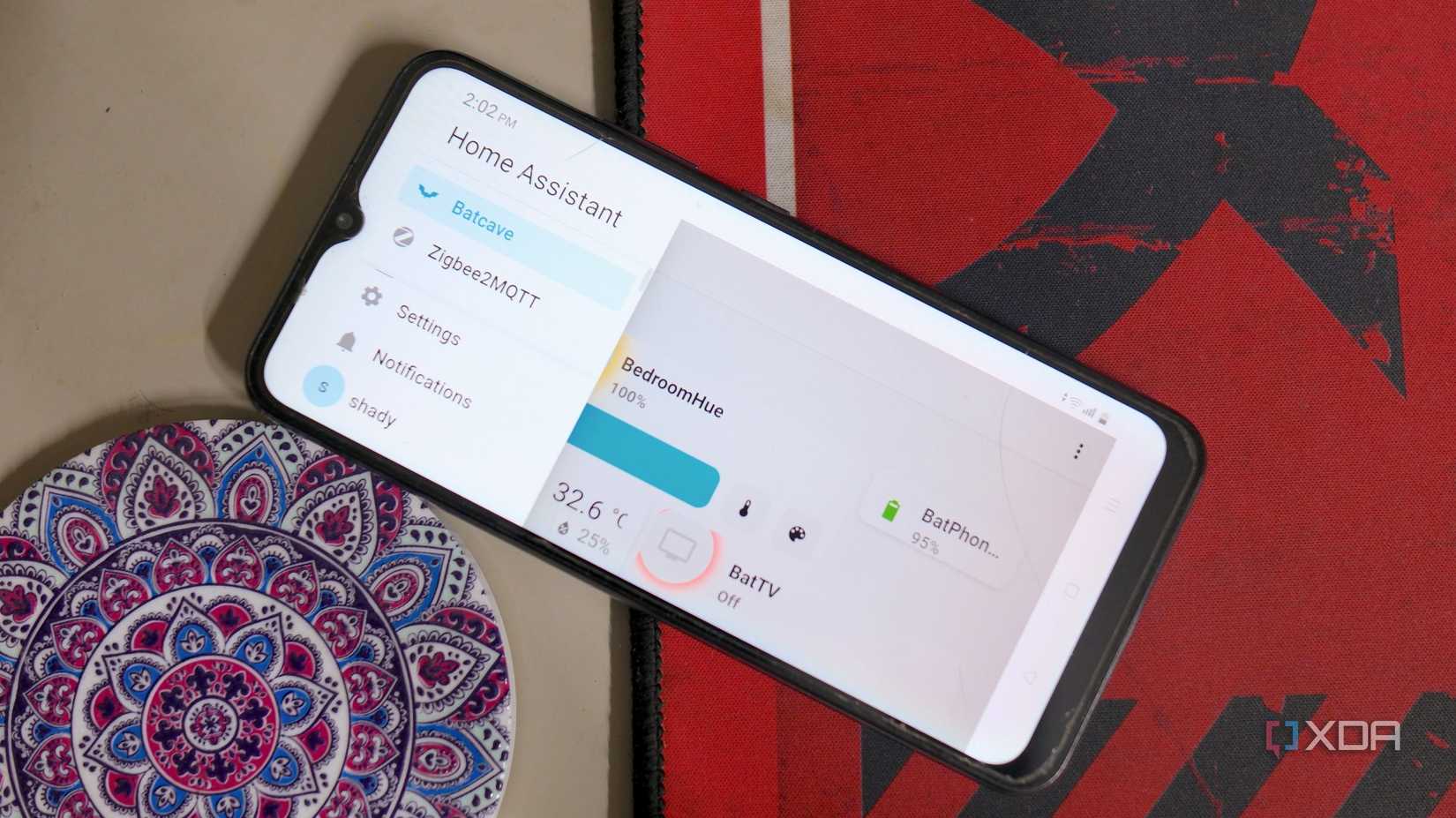
Another great replacement is to use your old Pixel as a privacy-focused security camera. The problem with smart home security cameras, especially budget ones, is that they often come with mandatory cloud subscriptions and privacy red flags. By using an old Pixel and installing an app like Alfred Camera or an IP webcam, then introducing the RTSP stream to Frigate NVR, you can use your old phone as a privacy-focused security camera.
It also has an indispensable advantage. Unlike cheap cameras, the Pixel has HDR and Night Sight. That means you can see details in a dark kid’s room or a backlit door, which would leave out a $30 camera alternative. Plus, the internal battery allows you to record for hours if a burglar cuts your power.
If you want to replace a voice assistant you use constantly with a significantly more secure local version, you can use your old Pixel for that too. Although Google Assistant is great, it is cloud dependent. By switching to a local voice control alternative, you don’t have to worry about your voice being exchanged between your home and a server on the other side of the planet. Using the Pixel’s high-quality microphone array as Wyoming’s dedicated Home Assistant satellite, you can replace Google Assistant in a flash.
You have a voice assistant that processes everything locally on the Tensor chip. It responds in milliseconds, works without an Internet connection, and never sends your conversations to a server in Virginia.
Be careful of battery swelling
Don’t let your old phone become a fire hazard
If you’re considering using your old phone as a complement to your smart home setup, one thing to keep in mind is battery bloat prevention technique. Since it will likely become a permanent fixture, you need to manage the battery to prevent it from posing a fire hazard.
The easiest way to achieve this is to use a smart plug with a logical rule: if the battery exceeds 80%, it turns off; if it is less than 20%, it lights up. This will keep your phone’s battery between 20 and 80 percent, leaving you with just enough in the event of a power outage, without ever fully charging it and causing it to bloat.
Along with that, it would probably be a good idea to deflate the operating system. Turn off all apps except smart home essentials to maximize the RAM of your 2026-era dashboards. Don’t let your old Google Pixel collect dust and get lost. Make good use of it and give it new life.
