
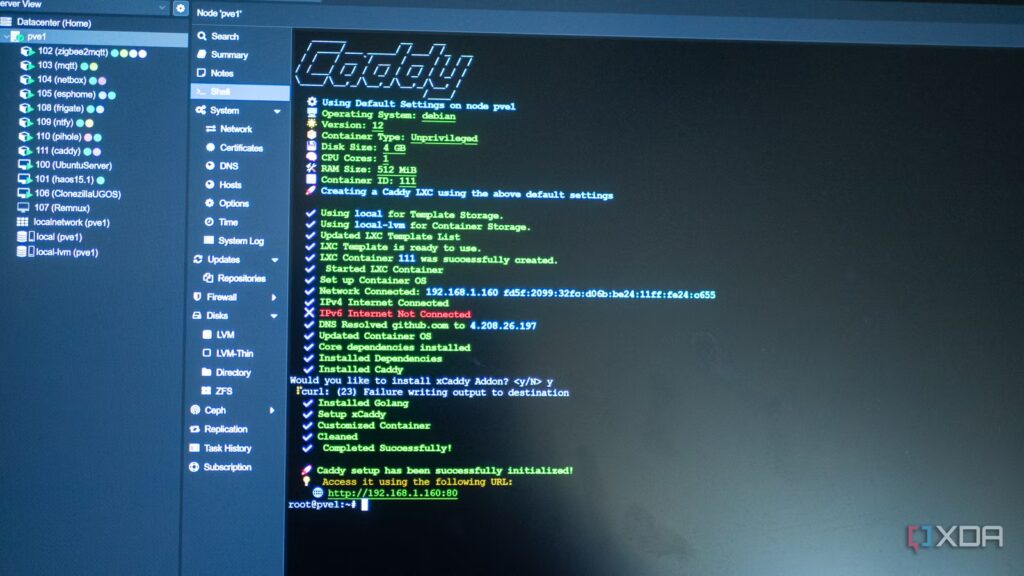
Self-hosting services are always neater when you use a reverse proxy like Caddy, whether you want to access them from anywhere or only test things on your home network. I like Caddy partly because it has a pre-built Proxmox LXC, but also because it has a powerful, modular build where I can add the features I want without having to deal with the ones I don’t have.
Plus, it generates TLS certificates for you, allowing you to have HTTPS on all your services with very little effort. Doing this when behind your home network requires Cloudflare’s DNS challenge, but this module makes your reverse proxy much better, while teaching you how the modules work with Caddy.
A reverse proxy connected my entire home lab, and I should have set it up first
Honestly, the setup was way easier than I expected.
Caddy can be incredibly powerful
Modules are the spice of life
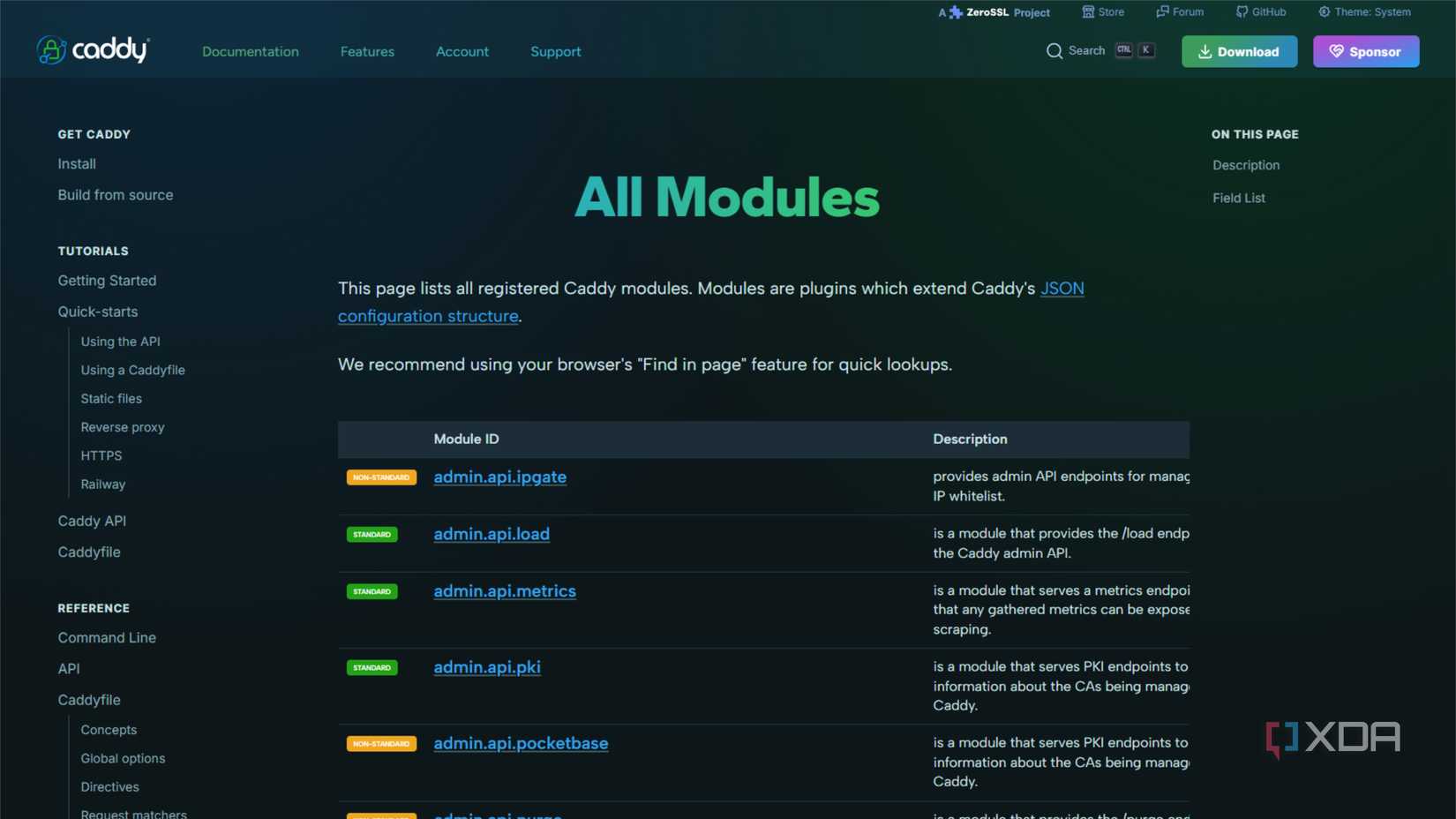
Caddy was designed as a web server, but its modular construction makes it ideal for a variety of specialized tasks, such as setting up an encrypted reverse proxy. Exposing multiple self-hosted services can turn into a complex management game, but it doesn’t have to be. Caddy’s unique file management method makes it easy because setup takes minutes and you can easily add to it as your home lab grows.
And if you need a new feature, Caddy lets you easily rebuild the image with the new module(s), so you can have the reverse proxy of your dreams. I don’t have a ton of modules enabled on mine, partly because I’m constantly changing things, but the module I never go without is the Cloudflare module which allows me to use my own domain and manage DNS challenges for Let’s Encrypt certificates for each service I run.
Creating custom Caddy images is easy
And you can do it in several ways

To use modules in Caddy, you must rebuild the image to add the new features. The good news is that there are a ton of features you can add, but it’s also complicated because you don’t want to add too many modules and end up with something that’s difficult to manage. You can always rebuild the image whenever you want to add more.
For example, adding these non-standard modules by creating a new Caddy image with xcaddy would look like:
xcaddy build
--with github.com/caddy-dns/cloudflare
--with github.com/mholt/caddy-dynamicdns
--with github.com/corazawaf/coraza-caddy/v2
--with github.com/caddyserver/cache-handler
--with github.com/ueffel/caddy-brotli
Then, once you have the list of modules you like, integrate it into a Dockerfile like this, then call it in your docker-compose file using “build: .” instead of “picture:”.
FROM caddy:builder AS builderRUN caddy-builder
github.com/caddy-dns/cloudflare
github.com/mholt/caddy-dynamicdnsFROM caddy:latest
COPY --from=builder /usr/bin/caddy /usr/bin/caddy
Caddy also has a web configurator where you can select the modules you need and download a fully built package to use on your machine. It’s much easier to do things this way, especially when you’re just starting to learn how Caddy works. Copy the Download button URL and use sudo curl -o /usr/bin/caddy (url) to download it, then make it executable with sudo chmod 755 /usr/bin/caddy.
Adding services is even easier
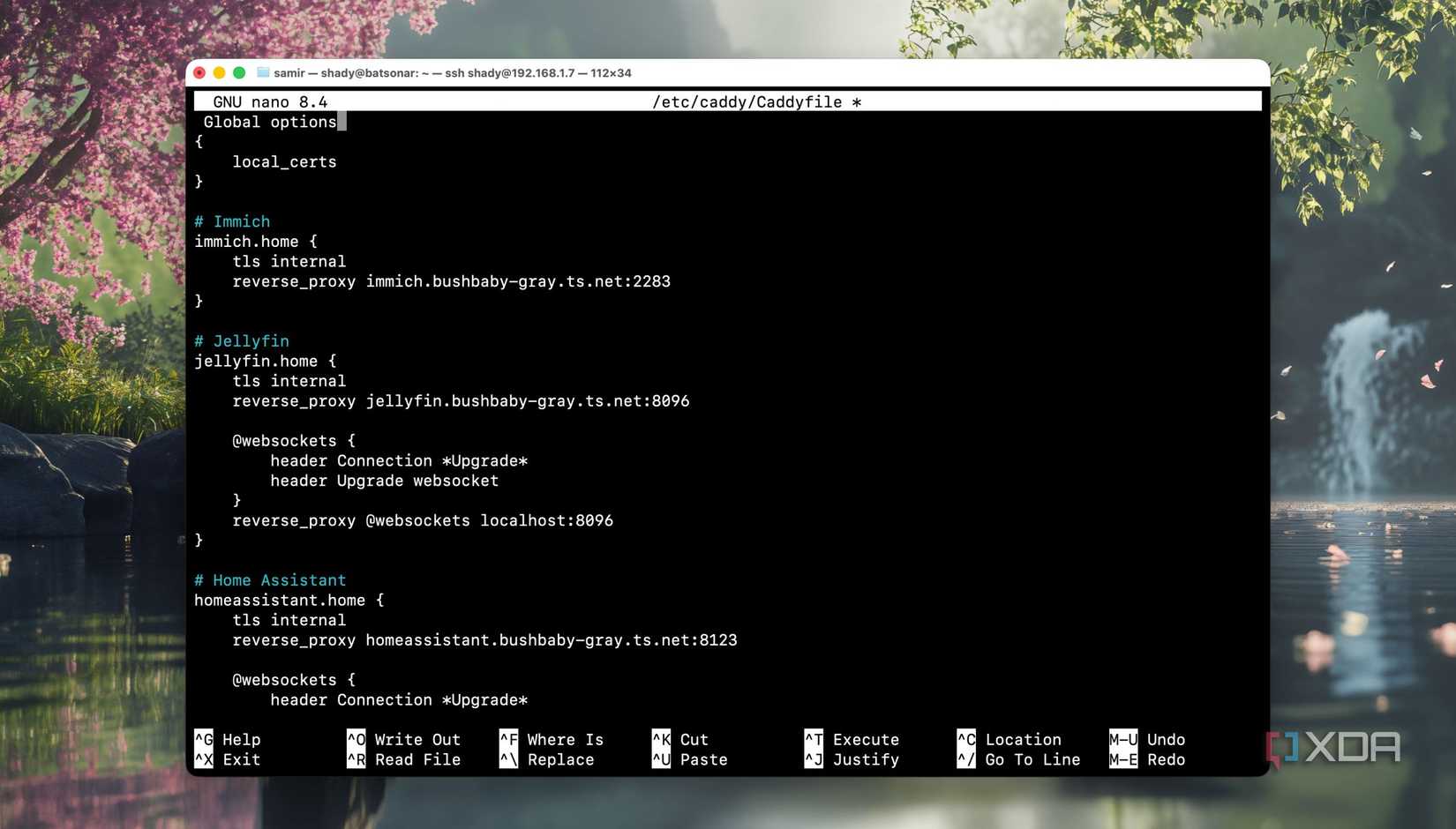
Once you have your Caddyfile, it’s time to populate things like your Cloudflare API, so you can use it for DNS challenges and get HTTPS on your self-hosted services:
export CLOUDFLARE_API_TOKEN="your-api-token"
caddy run --config /etc/caddy/Caddyfile --adapter
Then, to add the reverse proxy part:
example.com {
reverse_proxy http://:
}
It’s that simple, and every service you add will be seen by Caddy, which will query Let’s Encrypt for an SSL certificate and use the Cloudflare DNS challenge API to prove ownership of your domain.

Why I abandoned Cloudflare tunnels for Tailscale and Caddy on my homelab
Private always beats public.
Caddy modules allow you to customize your reverse proxy according to your needs
Now, I’ve used the big names in reverse proxy tools, and they’re all handled a little differently. Caddy offers you a pre-installation routine to add the features you want to a basic Caddyfile, so you can add your own domain and DNS challenge for TLS certificates, or any other plugin of your choice. And thanks to its customization, Caddy is comfortable with
