iOS 27 and iPadOS 27 now available for public beta testers
Apple today released the first public beta versions of iOS 27 and iPadOS 27, allowing anyone with a compatible device to download and test the new software.
You can get started by signing up on Apple’s beta website, then signing up for the public beta by going to Settings > General > Software Update and choosing the iOS 27 or iPadOS 27 Public Beta option. Today’s public beta is identical to the third developer beta, and a newly revised third beta is also available to developers.
iOS 27 introduces Siri AI, a more capable version of Siri that can search the web, access your personal information, see what’s on your screen, and take actions within and between apps. Siri in iOS 27 is more similar to Claude or ChatGPT than the previous version of Siri, with a dedicated Siri app for back-and-forth conversations. You can use Siri AI if you have a device that supports Apple Intelligence.
Apple has updated the Liquid Glass design that debuted last year, adding a slider to adjust the level of transparency and fine-tune its appearance. There are new AI features in many Apple apps. Visual intelligence has been moved to the Camera app and supports new features like getting nutritional information for a meal or sharing a bill, and Siri is able to generate text for you or help you refine your writing with Write with Siri.
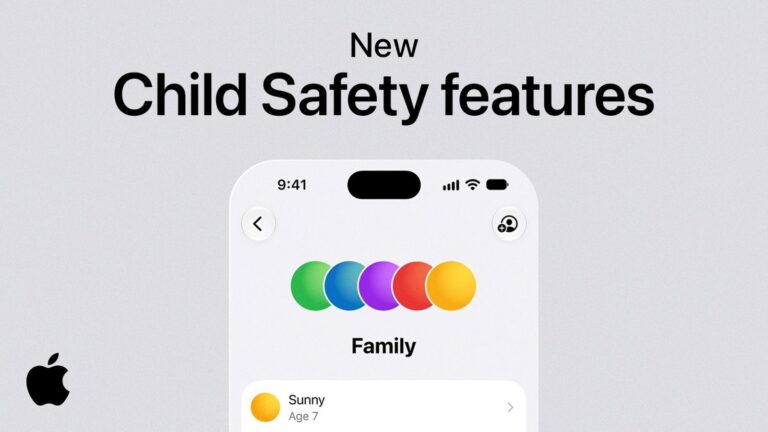
There are new AI photo editing tools in the Photos app, Safari can automatically organize your tabs, and you can create Safari shortcuts and extensions using natural language commands. AirPods have a custom EQ, the Home app supports 4K video cameras, and new child safety controls are available for parents.
Apple has made dozens of improvements to device performance, and everything seems faster, even on older iPhones. Apps launch faster, AirDrop transfers are faster, the keyboard loads faster, and more.
Additional information on new features in iOS 27 can be found in our dedicated iOS 27 roundup, with information on iPadOS 27 available in our separate iPadOS 27 roundup.