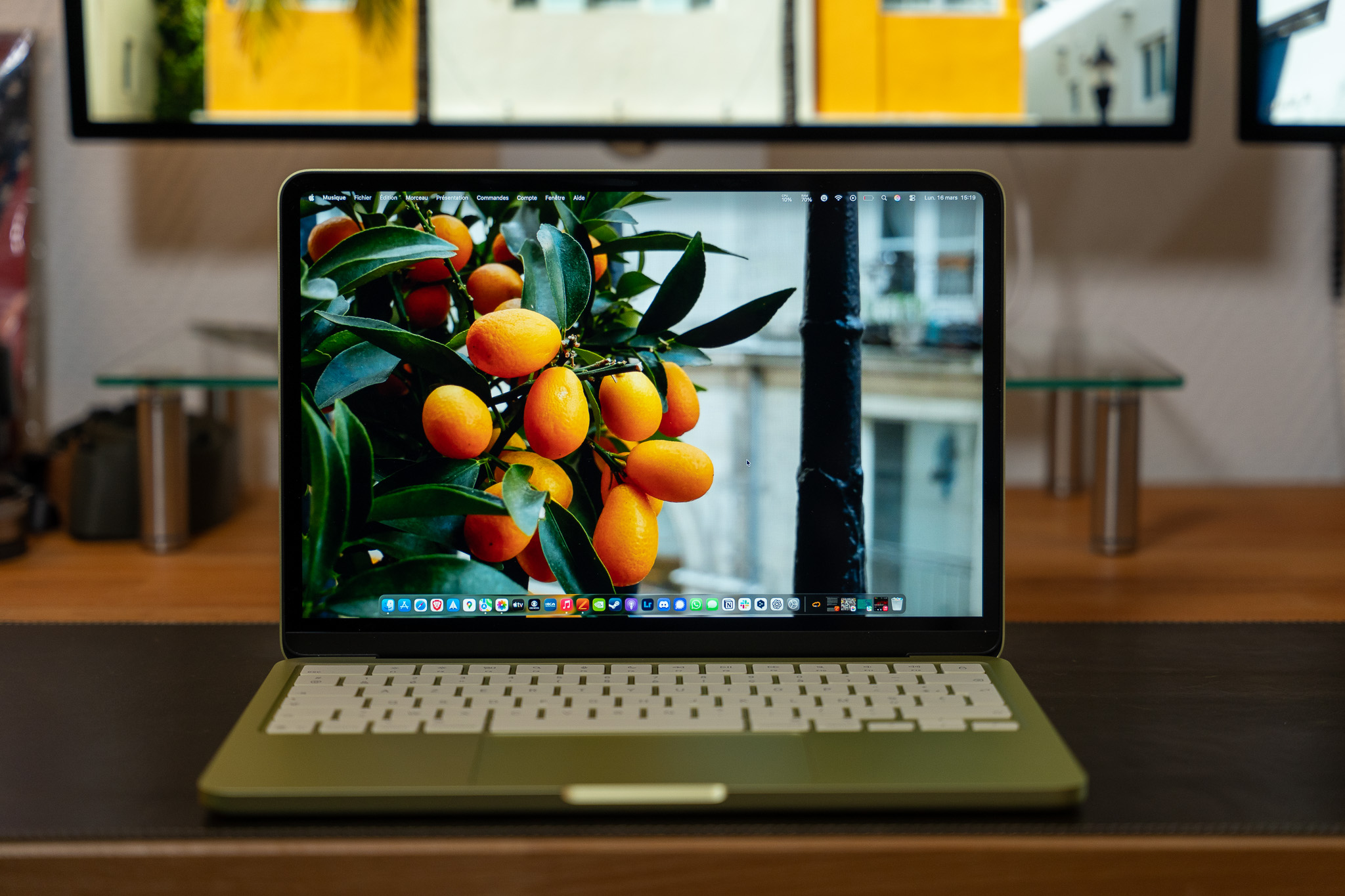
With only 8 GB of RAM, it can be light. When this memory is full, macOS does not stop working: it uses the SSD as extra memory, a mechanism called “swap”. Problem: If there is not enough storage space available, the system slows down, applications become less responsive, and macOS may even display a critical space warning.
To check the status of your storage, go to System Preferences > General > Storage. There you will find a detailed view of your disk usage as well as optimization recommendations offered by macOS, such as “Store in iCloud” or “Empty the Trash automatically”.